
ASUS laptop optimization
ASUS Laptop Guides: G-Helper, Armoury Crate and More
Every ASUS guide on the site, grouped by app and problem. All of them were tested on my ROG Zephyrus G16 (Ryzen AI 9 HX 370, RTX 4070 Laptop, Windows 11 26H2). If you’re new here, start with the first 4.
Start here4 guides
The 4 guides most ASUS owners need first.
-
Best G-Helper Settings: The Complete Profile Guide
Your laptop’s stock software gives a fraction of the control that G-Helper does, with the added bloat as well, and I broke down that whole tradeoff in my G-Helper vs Armoury Crate comparison. G-Helper, a free minimal application, makes it feel crazy that this much control can come from a few clicks. But with this…
-
G-Helper vs Armoury Crate: A Full Comparison (and Why I Switched)
If you’re stuck choosing between G-Helper vs Armoury Crate on an ASUS laptop, I was in the exact same spot before I switched on my Zephyrus G16. With its window closed, Armoury Crate kept 13 processes running on my laptop, while G-Helper does the same core jobs as a single small app. ASUS’s Armoury Crate…
-
Best Armoury Crate Settings: The 5 That Matter (Tested 2026)
The best Armoury Crate settings, tested on my Zephyrus G16. Ultimate beat every Standard run, Silent cost 31% FPS, and Eco cut idle battery drain 53%.
-
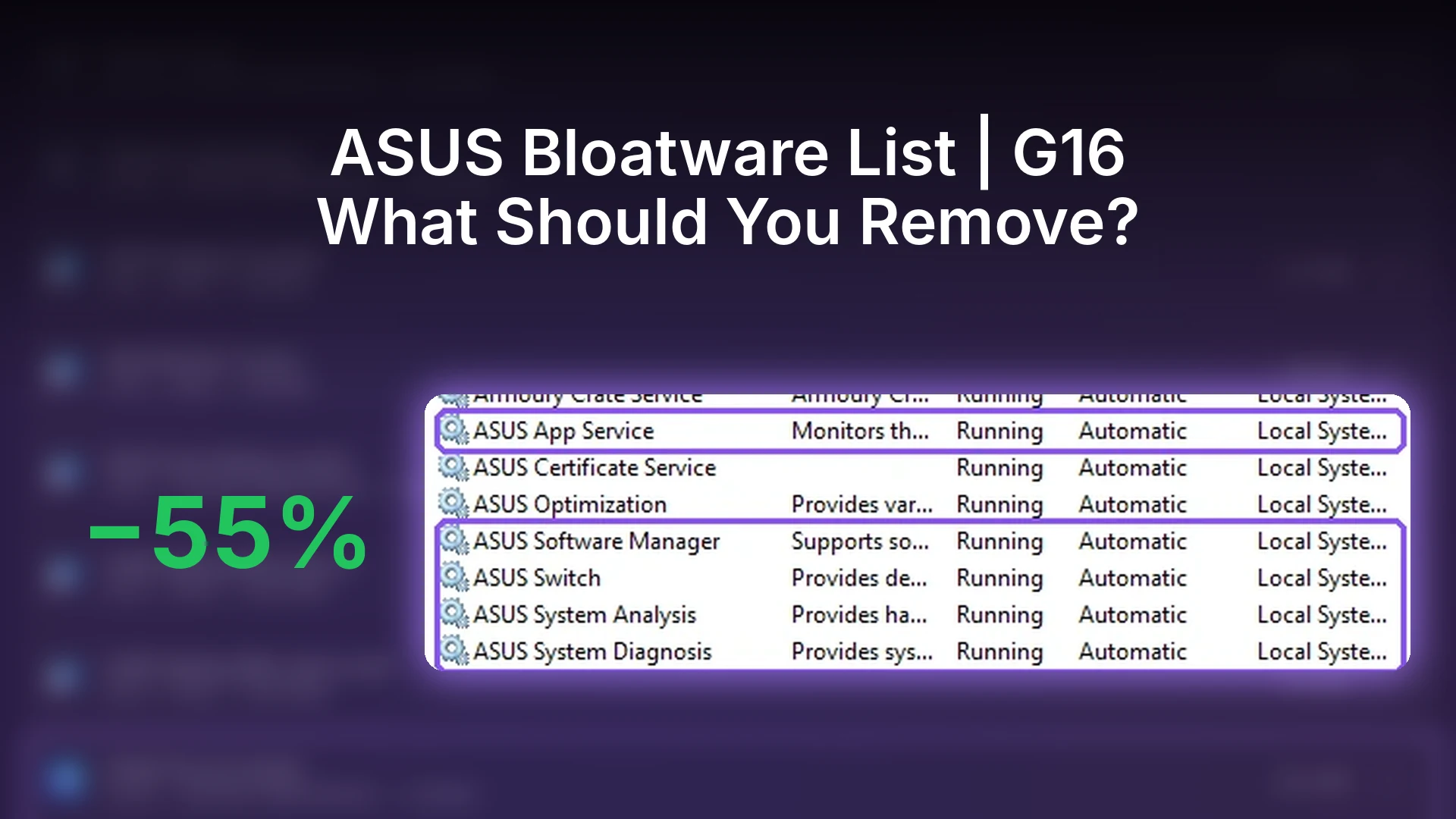
ASUS Bloatware List: What I’d Keep and Remove (2026)
Every ASUS app on my Zephyrus G16, what each one runs in the background, which ones I’d keep, and how to remove the rest, plus the leftovers Installed apps doesn’t show.


G-Helper12 guides
The lightweight Armoury Crate replacement, setting by setting.
-
The 7 G-Helper CPU Boost Modes Explained: Which One Should You Pick?
What all 7 G-Helper CPU Boost modes actually do, why my G16’s stock Windows plan was already on Aggressive, and which mode fits battery vs plugged-in use.
-
Undervolt with G-Helper: 4 Safe Steps for a Cooler Laptop
Here is a step-by-step guide to undervolting with G-helper. Undervolting is the act of giving your CPU less energy than it’s programmed to get. If you’re wondering how to get the most out of your laptop’s battery life, undervolting is definitely something to consider, and it’s 1 of the 6 settings in the G-Helper battery…
-
G-Helper Fan Curves: 3 Profiles to Stop Loud Fans & Throttling
Stock ASUS laptop fan curves are tuned for safety, not for what most people actually want. Your laptop’s fans could be seriously aggressive while you’re browsing or dead weak at moments with the most heat. This article is going to go over how to use G-Helper’s fan curves to optimize your laptop, getting you the…
-
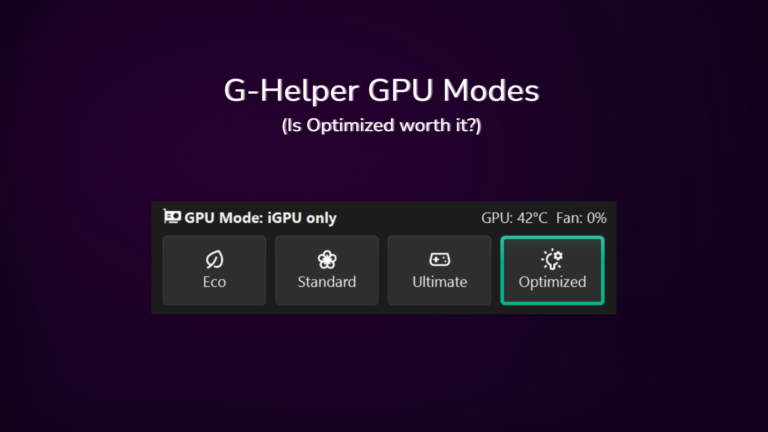
G-Helper GPU Mode: Eco, Standard, Ultimate and Optimized Explained
My Zephyrus G16 idles at about 13W in Standard mode with a live 4070, only 5-10W off what Eco gets me. Where the two actually separate is the spikes, and which of the 4 modes routes your display through which chip.
-
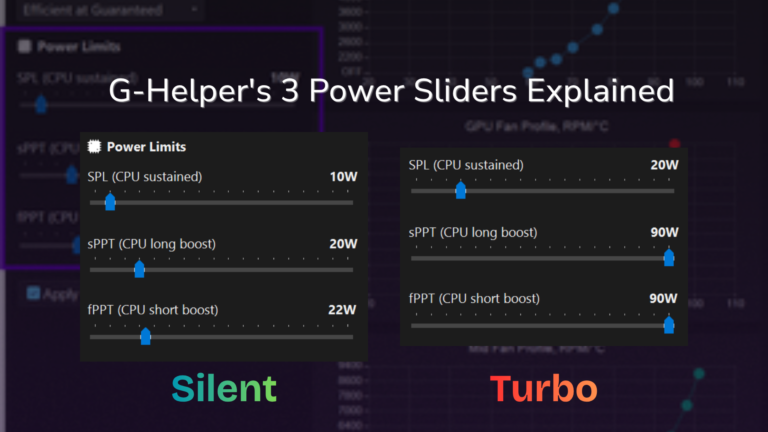
G-Helper Power Limits: What the 3 Sliders Actually Do
There’s 3 sliders in G-Helper’s Fans + Power section with no explanation attached. Here’s what each one caps, who they actually matter for, and what I’ve got mine set to on my G16.
-
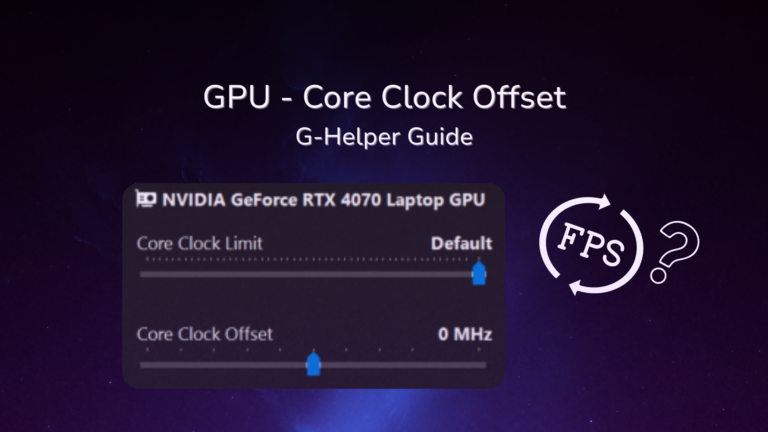
G-Helper Core Clock Offset: Best Setting Tested (2026)
G-Helper core clock offset tested on an RTX 4070: +200 added under 1 FPS, but a 2150 MHz clock limit cut GPU power 23% for 4% fewer frames.
-
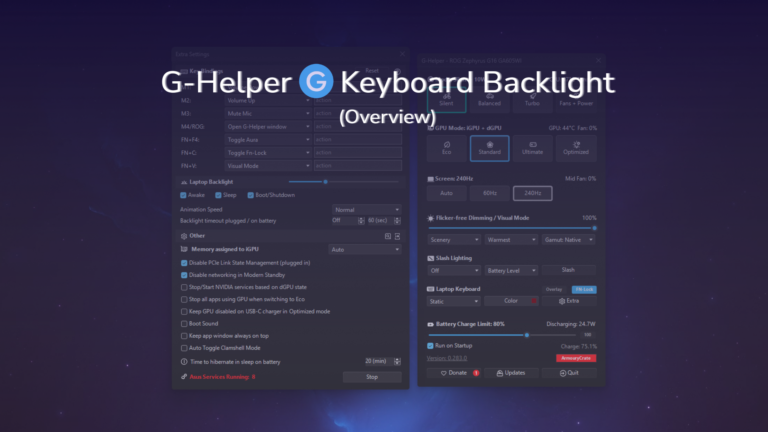
G-Helper Keyboard Backlight: Every Setting, and What It Actually Costs
The G-Helper keyboard backlight costs about 1-2W at max on my G16. All 5 effects, where the brightness slider hides, and why per-key RGB isn’t there.
-
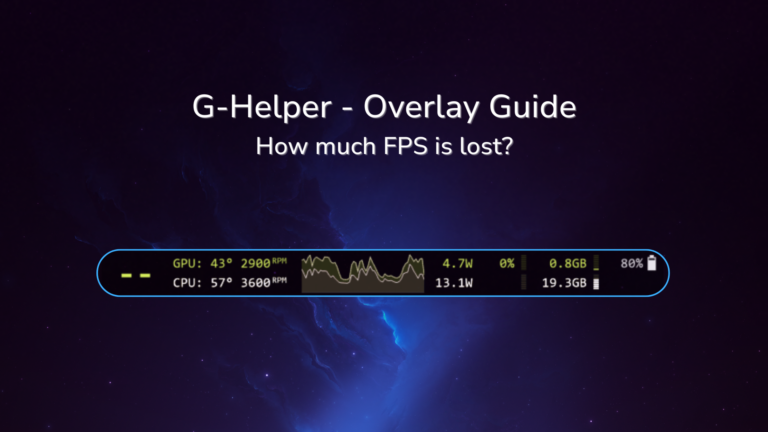
G-Helper Overlay: Does It Hurt FPS? Best Mode Tested (2026)
The G-Helper overlay shows FPS, temps and power in any game. All 4 modes, every shortcut, and whether it cost me FPS in Cyberpunk on my G16.
-
G-Helper Not Working? 3 Easy Fixes That Actually Work (2026)
G-Helper not opening, not starting on boot, and not showing your GPU temp are the 3 complaints that fill the search results, and on my Zephyrus G16 all 3 turned out to be normal behavior rather than a broken app.
-
Is G-Helper Safe? What It Actually Does to Your Laptop
If you’re asking is G-Helper safe, the short answer is yes, and I’ve been running it daily for about four months on my ASUS Zephyrus G16 without a single problem caused by the app itself. The things that do go wrong tend to be Windows rather than G-Helper, which I went through separately in G-Helper…
-
G-Helper Download: Official Link + Setup in 5 Minutes (2026)
The official G-Helper download link, the lookalike site to avoid, and my 5-minute ASUS setup: removing Armoury Crate and the first settings to change.
-
How to Uninstall G-Helper Completely (And What It Leaves Behind)
Uninstall G-Helper by deleting one exe, but it leaves 2 scheduled tasks behind. What to reset first, and what happens to your settings afterward.




Armoury Crate9 guides
What every mode and setting does, and what is safe to turn off.
-
Armoury Crate GPU Mode: Best of 4 Modes Tested (2026)
Every Armoury Crate GPU mode tested on my G16. Ultimate won in Cyberpunk but never let my fans stop, and 1 mode drew the least power on battery.
-
Armoury Crate Hotkeys: Every Option + Macros (Tested)
Every Armoury Crate hotkey option on my G16, the 4 M keys my laptop doesn’t even have, the extra install macros need, and fixes for hotkeys not working.
-
Armoury Crate Panel Power Saver: On or Off? (Tested)
Armoury Crate Panel Power Saver tested on my G16: what it does, how much battery it saved on video, the G-Helper conflict, and how to turn it off.
-
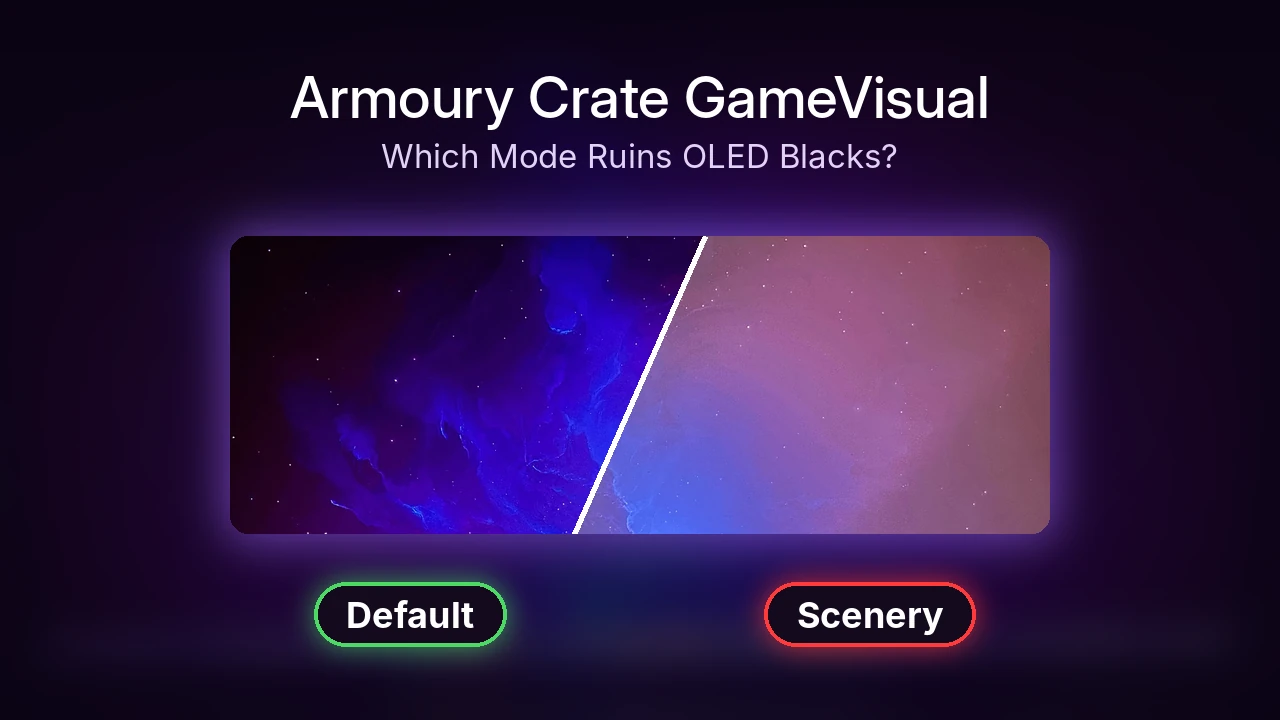
Armoury Crate GameVisual: 9 Modes Tested on OLED
Armoury Crate GameVisual tested on my G16 OLED: which of the 9 modes keep deep blacks, which wash them out, and how to get GameVisual back if it’s missing.
-
Armoury Crate Keyboard Lighting: Setup and Battery Drain
How to set up Armoury Crate keyboard lighting on a G16, fix the missing Lighting tab, and how much battery drain the backlight adds.
-
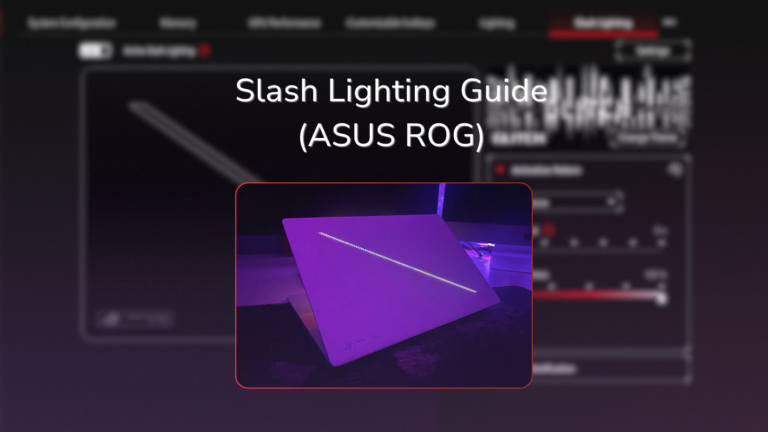
ASUS Slash Lighting: Settings, Fixes and Battery Cost
ASUS Slash Lighting tested on my Zephyrus G16: where Armoury Crate hides it, why it stays dark on battery, and what it costs to run.
-
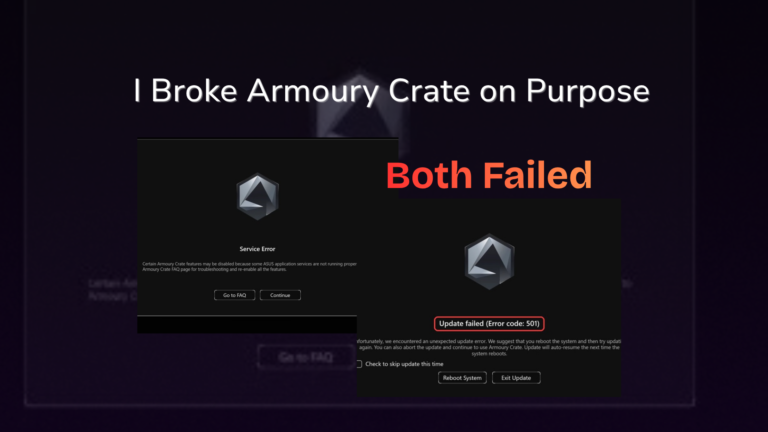
Armoury Crate Not Working? What Actually Fixed It (2026)
I broke Armoury Crate on purpose: Repair and Reset didn’t fix it, Reset ended in Error 501, and turning the ASUS services back on did.
-
Armoury Crate Download: Official Link + Lean Install (2026)
The official Armoury Crate download, which of ASUS’s 6 files to grab, and the 3 pre-checked boxes that cut my install’s background memory about in half.
-
Uninstall Armoury Crate: What the Official Tool Leaves Behind
I ran ASUS’s uninstall tool on my G16 and scanned before and after: it left a running service, 4 dead tasks, and a new 78 MB process after restart.



MyASUS and other ASUS apps10 guides
Which preinstalled ASUS apps you need, and what each one runs.
-
Is MyASUS Necessary? What It Runs on a ROG Laptop
Is MyASUS necessary on a ROG laptop? What it ran on my G16 before and after opening it, the 4 settings it has, and what uninstalling it leaves behind.
-
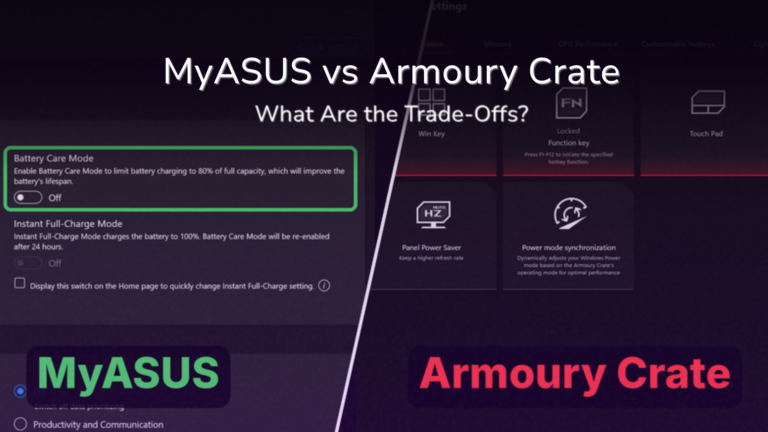
MyASUS vs Armoury Crate: Which Do You Need on a ROG Laptop? (2026)
MyASUS vs Armoury Crate on a ROG Zephyrus G16: what each one controls, the charge limit only MyASUS had, what each leaves running and where G-Helper fits in.
-
MyASUS Not Working? 4 Problems I Fixed Without Rebooting (2026)
MyASUS not working on my G16 came down to 5 ASUS services. How I fixed “System status is currently unavailable”, the restart loop and the stuck diagnosis.
-
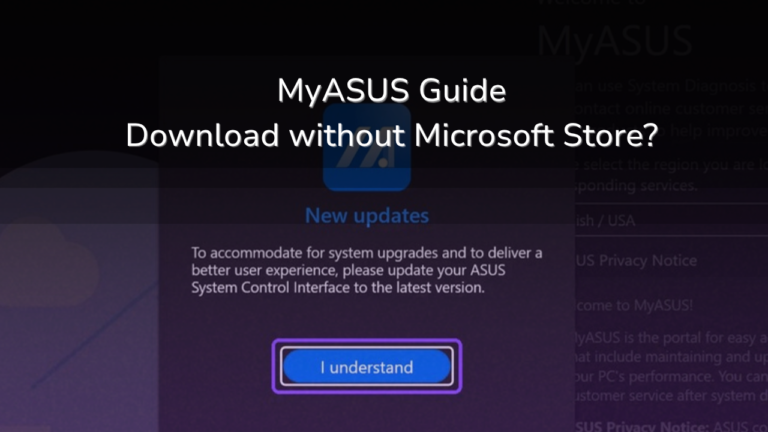
How to Install MyASUS Without Microsoft Store (Winget)
Install MyASUS without Microsoft Store using winget: the exact command I ran on my G16, the forced driver update on first launch, and how to uninstall it.
-
ASUS GlideX: What It Runs and Should You Remove It?
What ASUS GlideX actually runs in the background on my G16, the firewall rules it adds, whether you need it, and how to uninstall it.
-
ASUS Smart Display Control: What It Does (Tested)
What ASUS Smart Display Control actually does on a G16, why disabling it in Task Manager doesn’t stop it, and when it’s worth keeping or uninstalling.
-
ASUS System Control Interface: What It Installs (Tested)
What ASUS System Control Interface v3 installs on a G16, why G-Helper needs it, and which of its services I stopped without breaking Armoury Crate.
-
ASUS OLED Care Settings: What Each One Actually Does
The ASUS OLED Care settings are 4 toggles, and 3 of them are Windows features with ASUS branding on top. Here’s what each one does and what survives uninstalling Armoury Crate.
-
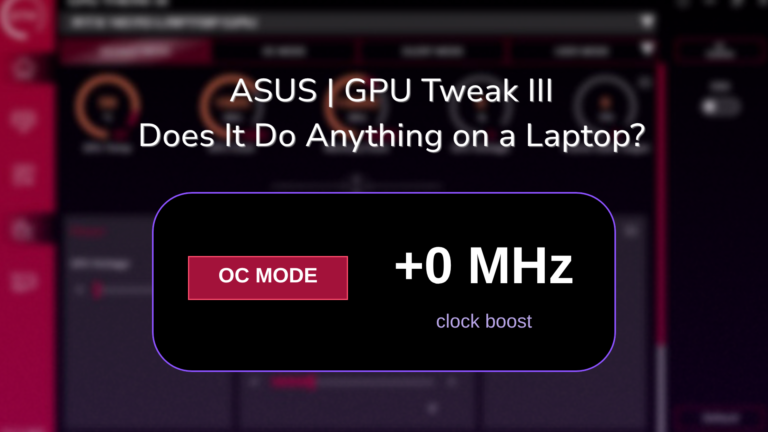
ASUS GPU Tweak for Laptops: Does It Do Anything? (2026)
I tested ASUS GPU Tweak III on my G16’s RTX 4070: OC Mode set a 0 MHz offset, every mode landed within noise, and Armoury Crate Turbo did about 19% more.
-
ASUS AI Noise Cancelling Not Working? Check Your Mic First
ASUS AI noise cancelling not working on my G16 came down to a mic Windows had disabled. The fix, and how ASUS’s filter, Krisp and Voice Clarity compared on a real Discord call.





Battery6 guides
Charge limits, drain and battery health, measured overnight and on real workloads.
-
ASUS Battery Care Mode: 60%, 80% or 100%? Which Limit to Use (2026)
ASUS Battery Care Mode on my G16: what the 80% limit did to my battery health, which of 60%, 80% or 100% fits how you use it, and where to set it.
-
Battery | ASUS | Fix a Problem
ASUS Laptop Battery Drains When Turned Off? 2 Nights Tested
On my G16 the battery wasn’t draining while off, it was asleep. I tested sleep vs a real shutdown overnight, plus the settings that fix it.
-
Battery | ASUS | Fix a Problem
ASUS Laptop Battery Draining While Plugged In? I Tested Why
Same laptop, same game, plugged in both times: the barrel charger kept charging while a 60 W USB-C one drained about 1.2% a minute. Here’s why and how to fix it.
-
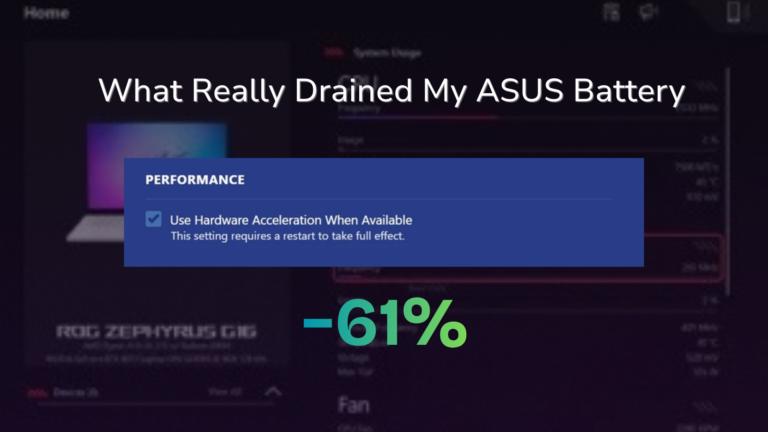
Armoury Crate Battery Life: Is It Draining Yours?
Armoury Crate battery life tested on my Zephyrus G16: what the app costs, the browser setting that more than doubled video drain, and what to fix first.
-
Sleep vs Hibernate Laptop: I Measured All 3 Overnight
Sleep vs hibernate laptop, measured on an ASUS G16: sleep drained about 4% an hour, and shut down beat hibernate on wake-up. See when to use each.
-
How to Read Battery Report Results on a Windows Laptop
How to read battery report results in Windows: design vs full charge capacity, a missing cycle count and Suspended rows, from my refurbished G16.




Fans and heat6 guides
Quieter fans and lower temps, with every method tested on the same laptop.
-
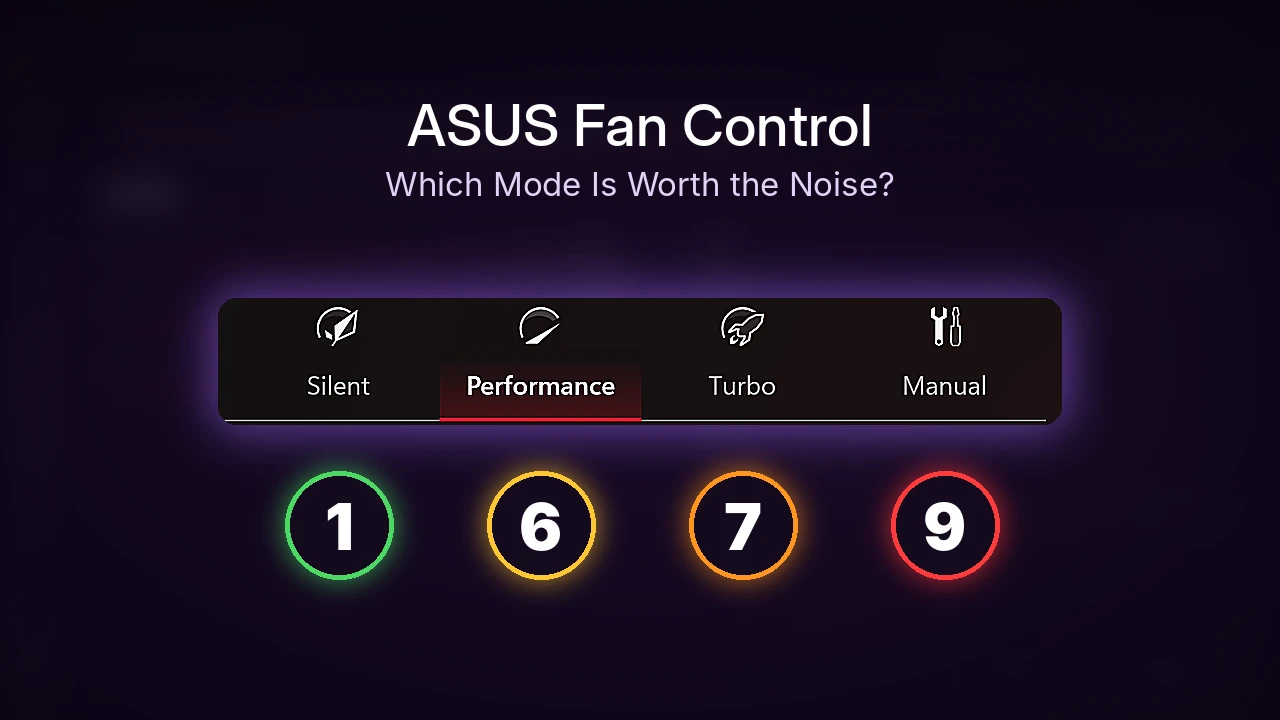
How to Control Fan Speed on ASUS Laptop (6 Ways Tested)
I tested 6 ways to control fan speed on my ASUS Zephyrus G16 in Cyberpunk: Armoury Crate’s modes and Manual curve, G-Helper and AsusFanControl.
-
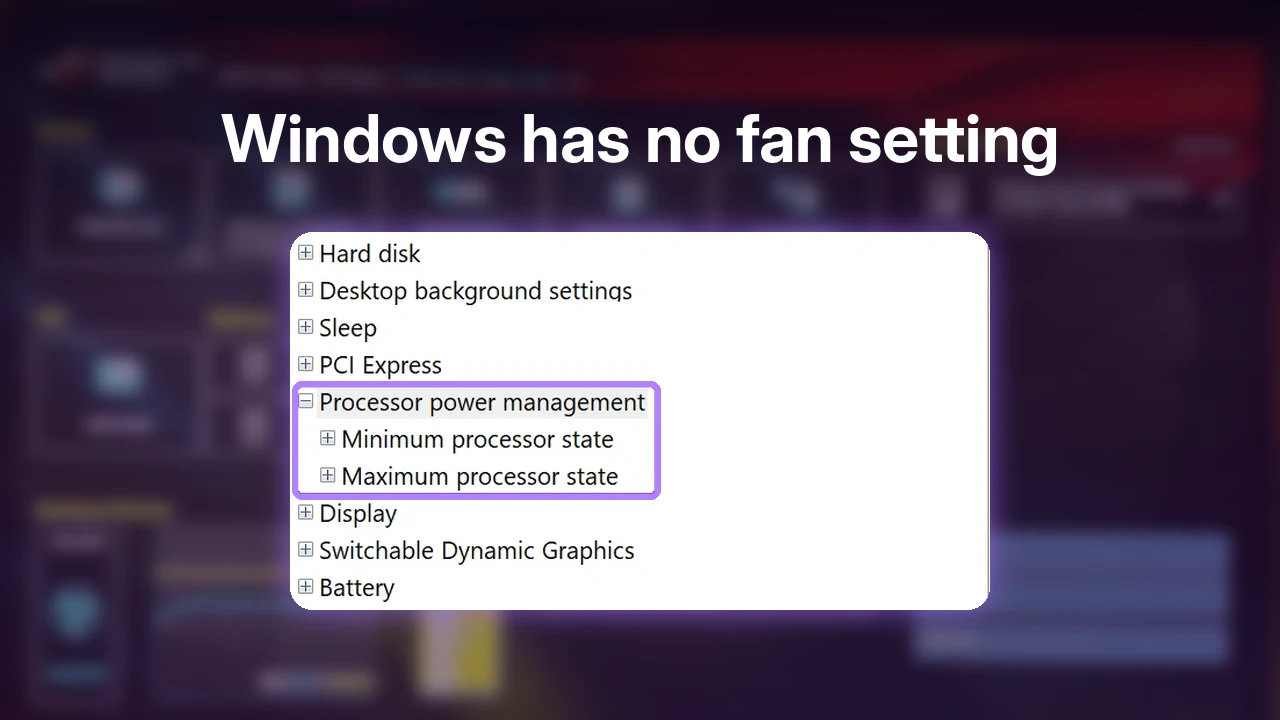
How to Control Laptop Fan Speed: 6 Methods I Tested
How to control laptop fan speed, tested on an ASUS G16: Windows has no fan setting, so here’s which of 6 methods actually changed my fans.
-
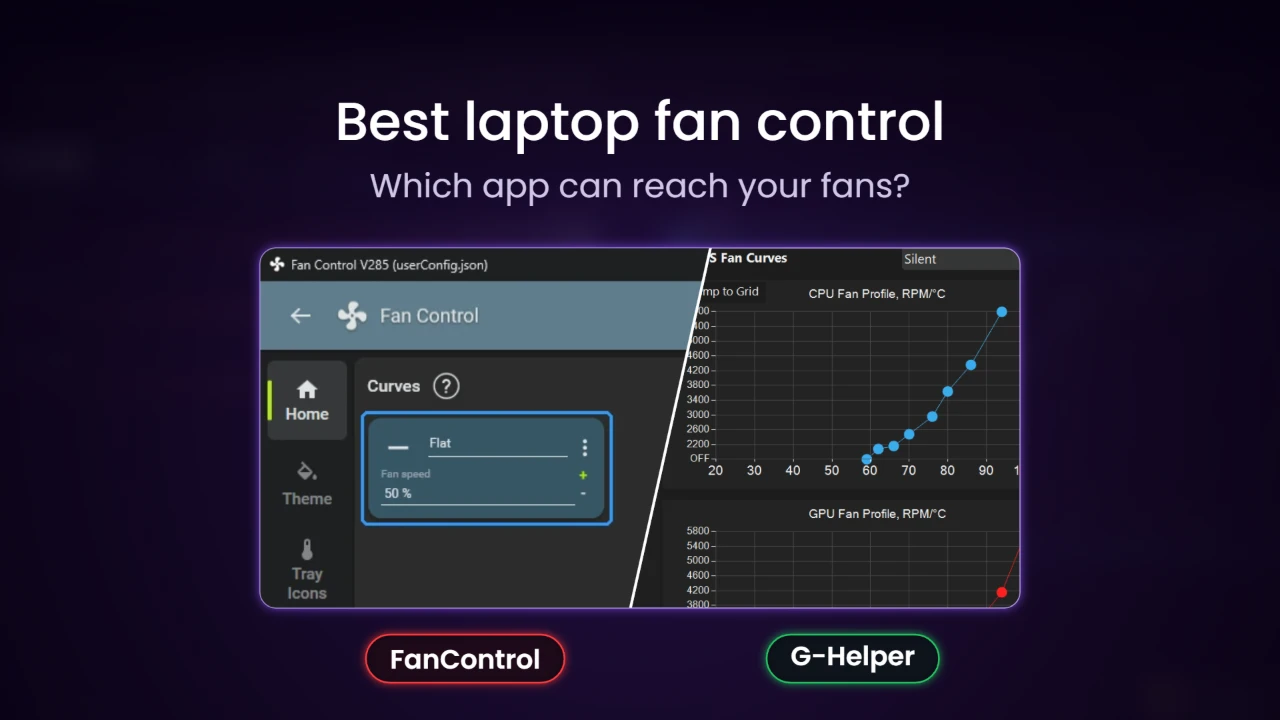
Best Laptop Fan Control Software: 5 Apps Compared
Best laptop fan control software compared on an ASUS G16: what 5 apps control, what they install, and which ones can reach a laptop’s fans at all.
-
Is FanControl Safe? What It Installed on My Laptop
Is FanControl safe? I installed V285 on my ASUS G16 and checked the PawnIO driver it asks for, the trojan warning, and what stays after you uninstall.
-
FanControl Not Detecting Fans? What I Found on a Laptop
FanControl not detecting fans on my ASUS G16? Setup found 0 fans, speed cards were hidden, and a plugin caused Initialization retry failed.
-
How to Uninstall FanControl and PawnIO Completely
I uninstalled FanControl and PawnIO on my ASUS G16 twice. The uninstaller refused while FanControl sat in the tray, and PawnIO left 2 pieces behind.


Fixes, resets and BIOS6 guides
When the laptop won't start, keys stop working, or it needs a reset.
-
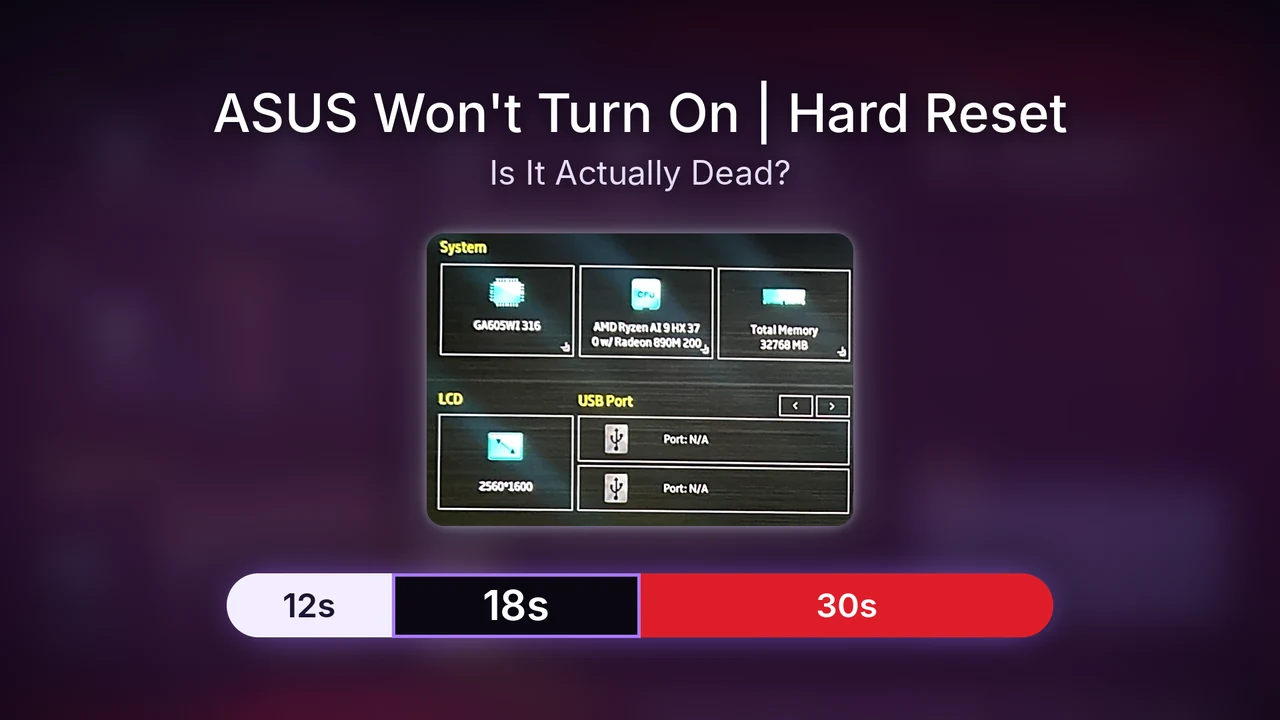
ASUS Laptop Won’t Turn On? My 40-Second Hard Reset Test
ASUS laptop won’t turn on? Hold power for 40 seconds on battery, then leave the 18-second black screen alone. My G16 boot timings and Power test results.
-
ASUS ROG Fn Keys Not Working? Tested on a G16
ASUS ROG Fn keys not working? I uninstalled Armoury Crate on my G16 and tested every Fn key. See which one stopped and what to check first.
-
How to Reset ASUS Laptop: 5 Levels Tested on a G16
How to reset ASUS laptop the lightest way first: I tested 5 levels on my G16, from a restart to a factory reset, and logged what each one removed.
-
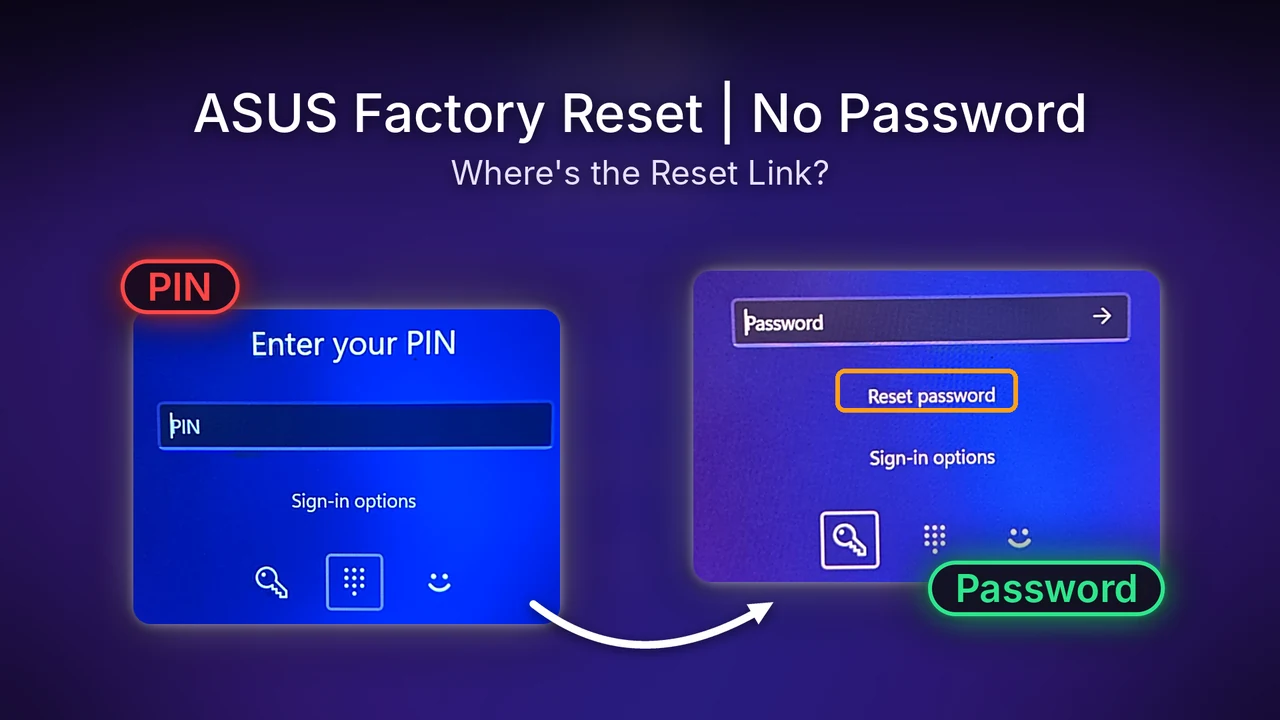
How to Factory Reset ASUS Laptop Without Password (F12)
How to factory reset ASUS laptop without password: tap F12 at power-on, then follow the exact Reset this PC screens I clicked through on my G16.
-
ASUS Cloud Recovery vs Reset this PC: Is It Worth It?
ASUS Cloud Recovery vs Reset this PC, tested on a G16: what each one asked for, and how to open MyASUS in WinRE and UEFI before you reset.
-
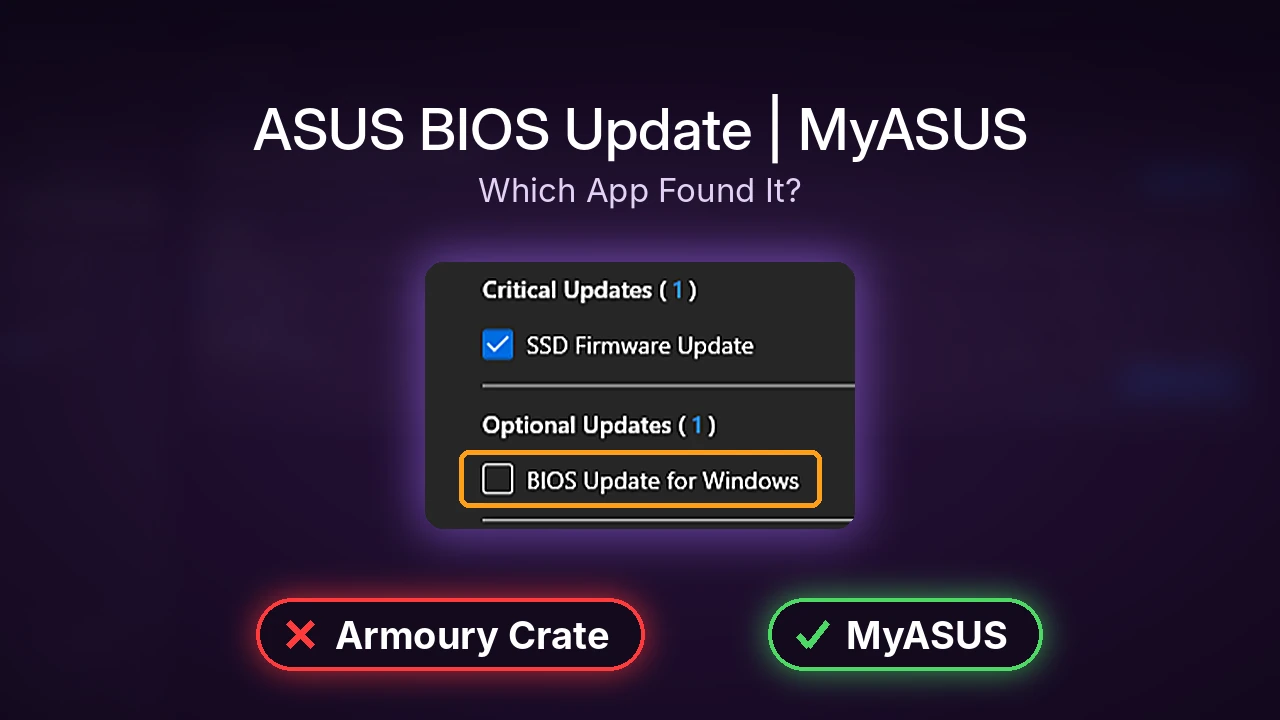
How to Update ASUS Laptop BIOS (MyASUS Hid Mine)
How to update ASUS laptop BIOS with MyASUS on a G16: Armoury Crate said up to date, MyASUS hid BIOS 317 as optional, and the restart took 9.5 minutes.