

Is FanControl Safe? What It Installed on My Laptop
Is FanControl safe, or is it the trojan that Windows Defender warns people about? I installed it on my Zephyrus G16 to check what it actually puts on a laptop. It seems very safe to me, and those trojan warnings come from older versions. The one surprise was that the driver it asks for was already on mine, from about 7 weeks earlier. So if you’re about to click Install, below is everything it added and left behind, plus what that driver actually is.
After I installed FanControl V285 on my G16 and checked everything it touched, this is what I found:
- Installer: Added only FanControl itself, in about 3 seconds, with no driver
- PawnIO driver: Asked for on first launch, and signed by Microsoft’s hardware compatibility signer
- Defender: 0 detections across 2 installs and a third-party plugin test
- Uninstall: PawnIO stayed on the laptop after FanControl was gone
- Zephyrus G16 (GA605WI)
- Ryzen AI 9 HX 370
- RTX 4070 Laptop
- Windows 11 Home 26H2
- FanControl V285
- PawnIO 2.2.0.0
Build 26300 · BIOS 317
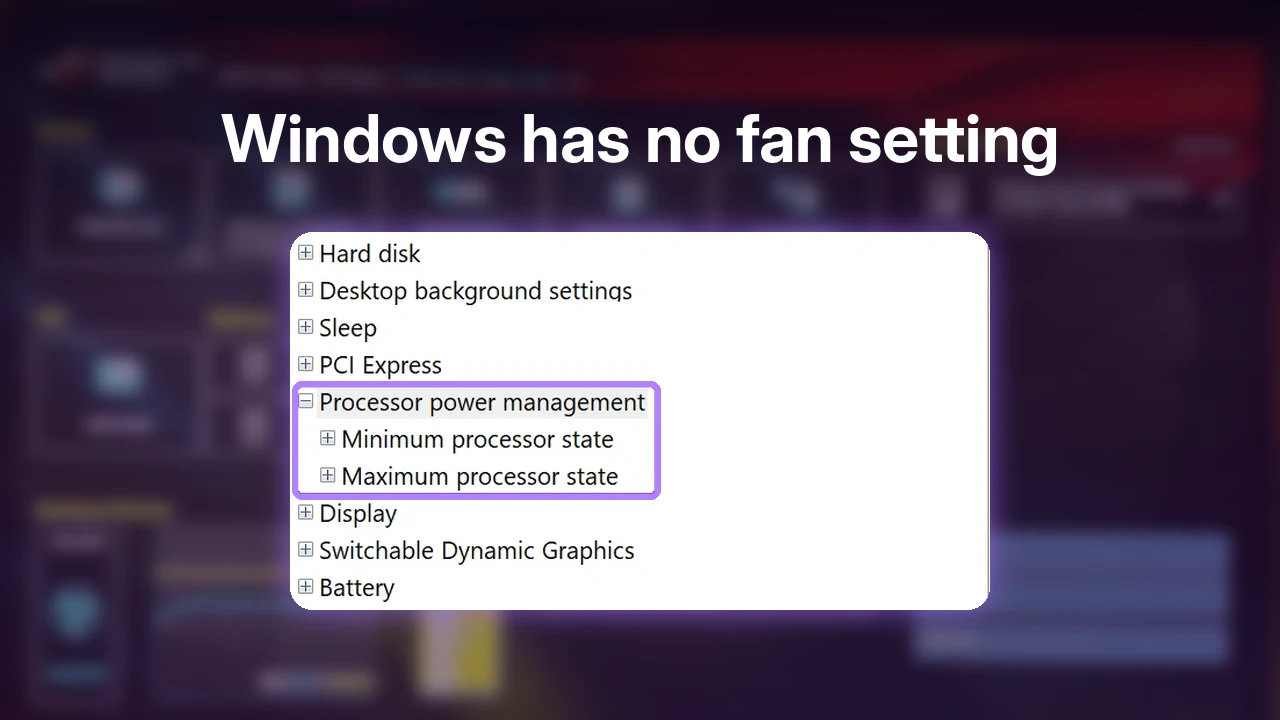
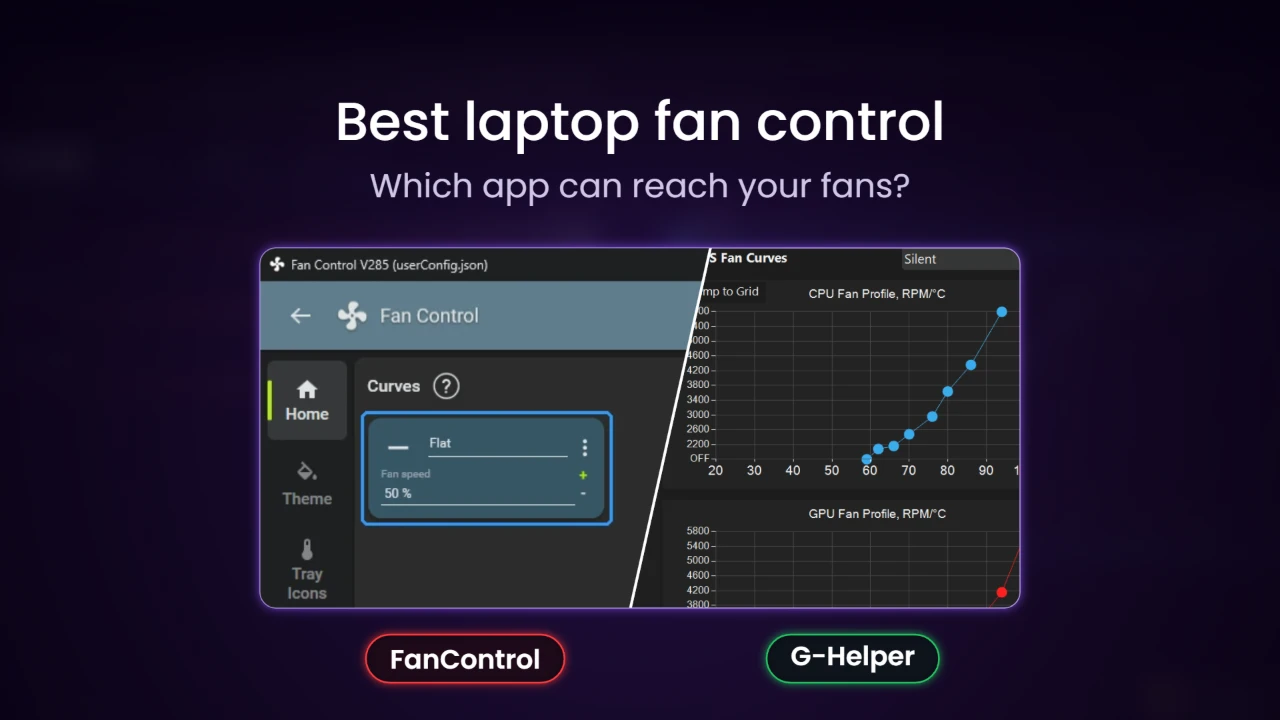
If you haven’t used it before, FanControl comes from a developer named Rémi Mercier and is built mainly to run PC case fans from software, and since it’s closed source you can’t read its code the way you can with some other tools (which is a big part of why people search “is FanControl safe” in the first place). If you’re on an ASUS laptop like mine, you should also know up front that it never found my fans at all, so custom fan curves in G-Helper are a better place to start (that’s what I tell friends to try first).
Is FanControl safe to install?
After going through it on my own laptop, I’d say FanControl seems very safe, and I’d call it trustworthy mainly because so many people have tested it. Whenever an app wants to install a driver, the first thing I look at is how the community around it reacts, because if an app has been used by thousands of other power users, I think it’s fair to say they would have found something bad by now if it was there.
Reputation is only half of the answer to “is FanControl safe”, though, so I also went through what it actually did to my G16 one step at a time: what the installer added, what it asked for on first launch, what Defender thought of it, and what was still sitting on the laptop once I removed it.
What the FanControl installer added
I grabbed the .NET 10 installer for V285 from the official GitHub release page, since my laptop already had the .NET 10 runtime on it, and the installer’s digital signature checked out as Rémi Mercier’s (the zip versions on that same page had no signature at all). The setup itself is short: a license page, the install folder (C:\Program Files (x86)\FanControl, needing 58 MB), one optional box for a desktop shortcut, and then the Ready to Install page, which only lists that folder, as you can see in the purple box below.
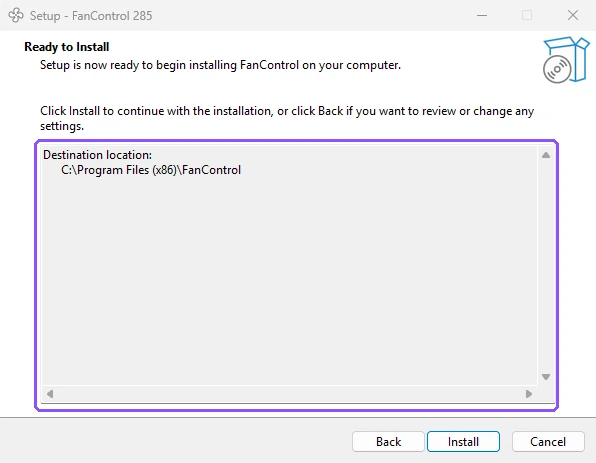
After I clicked Install it finished in about 3 seconds, and when I compared a snapshot of my laptop from before and after, the only new program was FanControl itself. The installer added no driver, no Windows service and no startup task, so anything that reaches deep into Windows only shows up later, from the popup you’ll get on first launch.
The FanControl PawnIO popup on first launch
The driver shows up the moment you open the app. When I reinstalled it with PawnIO removed, the first thing FanControl showed was a popup titled PawnIO installation required, saying it “now requires the installation of the PawnIO kernel driver” to get sensor data and control fans, and that this driver replaces WinRing0, which it calls “the legacy vulnerable driver that was used before” (the orange box below).

A kernel driver runs at the deepest level of Windows, which is what lets a fan app read sensors and talk to your hardware directly, and it’s also why a badly written one is a real security problem (Microsoft keeps a blocklist of vulnerable drivers because attackers use them to run malware in the kernel). You can click Cancel and still open FanControl, but the popup says every built-in sensor that comes from LibreHardwareMonitor (the library FanControl reads most hardware through) goes away, and only NVIDIA, AMD and plugin sensors keep working.
I clicked Install, and FanControl opened PawnIO’s own setup, which showed exactly 1 notice saying PawnIO is provided “as is” without warranty and to use it at your own risk (the purple box below). After I clicked OK, it said PawnIO was successfully installed, and since FanControl was already running as admin, it never asked me anything else.
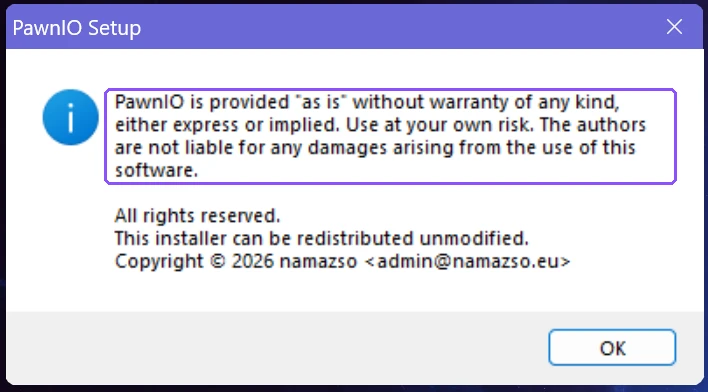
Windows registered it as PawnIO 2.2.0.0 from a publisher called namazso, and when I listed the installed driver packages with pnputil /enum-drivers, its signer showed as Microsoft Windows Hardware Compatibility Publisher. The PawnIO website also says the official edition is digitally signed and that the code is available as open source, which goes a long way for a driver that sits that deep in Windows.
Once it’s on, the Install PawnIO driver… button under Settings > Sensors in FanControl turns grey (the orange box below), which is also a quick way to check whether yours is already installed.

Why Windows Defender flagged the FanControl trojan
Most of the “FanControl trojan” posts you’ll find come from older versions. According to the developer’s FanControl release page on GitHub, V237 and below shipped a FanControl WinRing0 driver called FanControl.sys, and since 2025, Windows Defender flags that file as Trojan:Win32/Vigorf.A, which also stops FanControl from detecting your sensors. The developer’s fix is updating to V238 or later, since those versions use PawnIO and don’t ship WinRing0 at all.
If you’re worried about Defender on the current version, V285 came back clean on my G16 every single time. Defender had no detections during either install, while FanControl was running, or when I loaded a third-party plugin into it. If Defender is still warning you, look at the version in FanControl’s window title (mine read Fan Control V285), because a number of 237 or lower means you’re on the old WinRing0 build, and that’s the version people were asking “is FanControl safe” about when Defender started flagging it.
The driver I didn’t remember installing
This was the part that caught me off guard. When I compared my laptop before and after testing, PawnIO was already in my programs list before I installed FanControl at all, and Windows’ own records showed it was installed on September 18 from a standalone PawnIO setup file in my Downloads folder. I don’t remember downloading it.
A driver I didn’t remember installing is quite worrying to find on my own computer. Realistically though, with how much testing I do on this laptop, I most likely did download it for a specific reason and just forgot, and I’d be a lot more worried if I was the average laptop user and found something like that sitting there. It also shows how easy PawnIO is to lose track of: FanControl’s uninstaller tells you straight up that it won’t remove the PawnIO driver, so it stays on your PC after FanControl is gone unless you remove it yourself, and getting rid of it completely took me 2 extra commands on top of PawnIO’s own uninstaller.
If you want it gone too, open PowerShell as admin and run sc.exe delete PawnIO, then pnputil /delete-driver oemNN.inf /uninstall, where you swap oemNN.inf for the Published Name pnputil /enum-drivers lists right above pawnio.inf (mine was oem66.inf, but it’s different on every PC). I put every click and the leftover files in my full FanControl and PawnIO removal steps.
Does FanControl work on a laptop?
FanControl also wasn’t much use on my G16. FanControl’s own FAQ says it mostly doesn’t work on laptops because most laptops don’t expose their fans the way a desktop motherboard does, and that matched what happened to me: the setup found 0 fans to control, and its fan speed section stayed empty even after I showed every hidden card. It did read my CPU and GPU temperatures fine, and I went through every screen I checked while trying to get it to see the fans in my attempt to get FanControl to find them.
Would I install FanControl again?
Is FanControl safe enough to put back on a computer? Yes, on the right machine. FanControl seems very safe to me, the installer added nothing I didn’t ask for, the driver it wants is signed, and Defender stayed quiet on the current version the whole time. I removed it from this laptop after testing, and on a laptop I’d go with one of the apps that actually reached my fans in my laptop fan app comparison.
FanControl safety FAQ
Is FanControl open source?
No. Its GitHub page says the sources for the app are closed, and that repository is only there for releases and issue reports. The PawnIO driver it asks for does publish its code.
Is PawnIO safe?
It installed from FanControl’s own popup on my laptop, its driver package was signed by Microsoft Windows Hardware Compatibility Publisher, and Defender never flagged it. Its setup does show an “as is, use at your own risk” notice, and it stays installed after you remove FanControl.
Is the FanControl WinRing0 driver still a problem?
Only on old versions. The developer says V237 and below shipped WinRing0 and that V238 and later use PawnIO instead, so updating is the fix.
Is getfancontrol.com the official site?
Yes, the GitHub release page points to getfancontrol.com for the full documentation. I downloaded the installer itself straight from the GitHub releases.
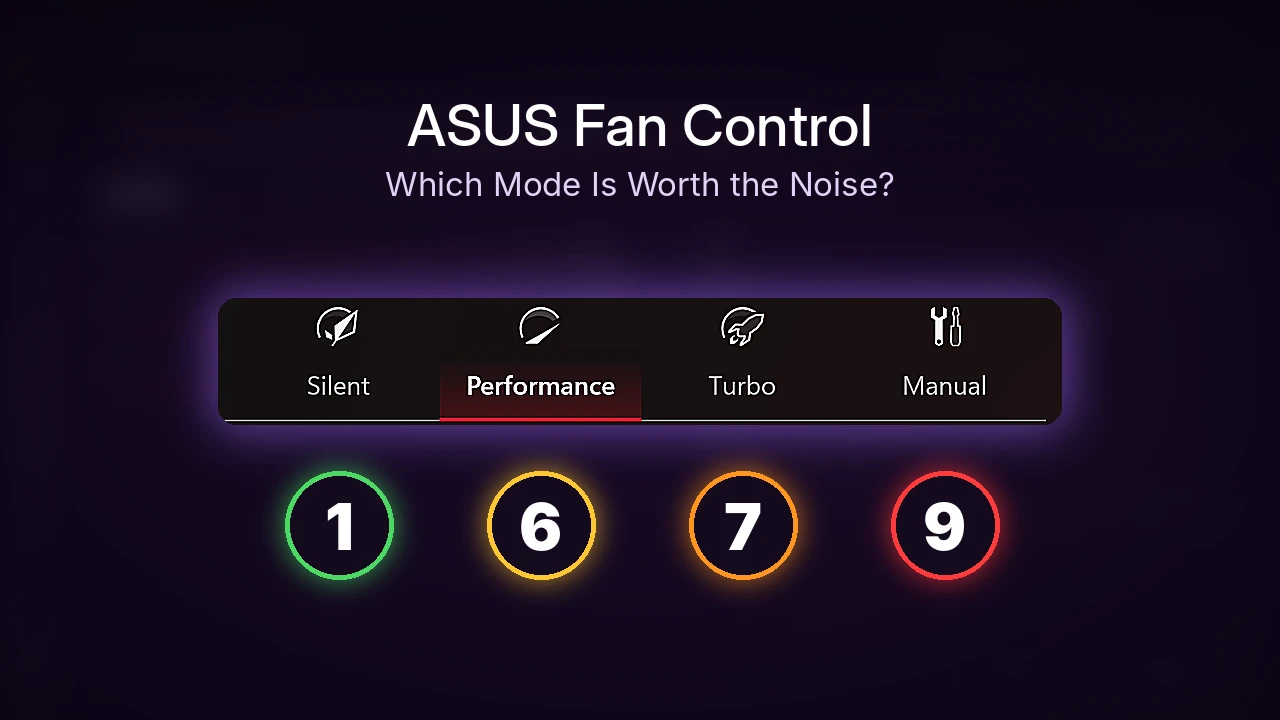
If you’d rather stick with ASUS’s own app on a laptop like mine, the fan curve lives inside Armoury Crate’s Manual mode. And if Defender is still flagging FanControl on your PC, tell me in the comments which FanControl version you’re on and the exact detection name, and I’ll help you figure out whether it’s the old WinRing0 driver.