
How to Uninstall G-Helper Completely (And What It Leaves Behind)
Uninstall G-Helper by deleting one exe, but it leaves 2 scheduled tasks behind. What to reset first, and what happens to your settings afterward.
The fan curves, undervolt and power limits I run on my G16, with the numbers I measured.
Uninstall G-Helper by deleting one exe, but it leaves 2 scheduled tasks behind. What to reset first, and what happens to your settings afterward.
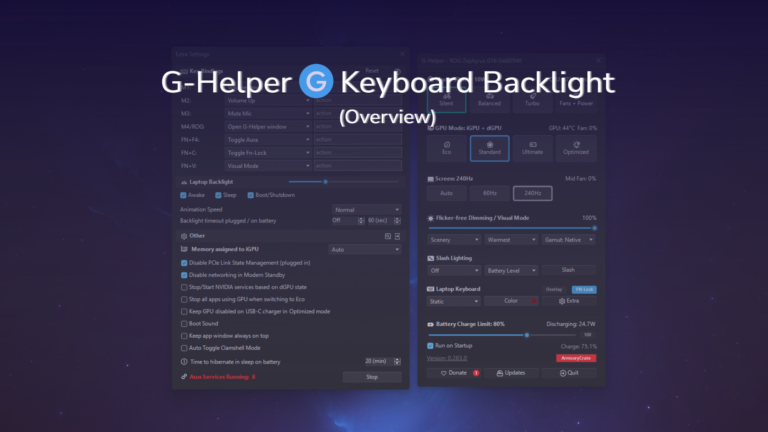
The G-Helper keyboard backlight costs about 1-2W at max on my G16. All 5 effects, where the brightness slider hides, and why per-key RGB isn’t there.
There’s 3 sliders in G-Helper’s Fans + Power section with no explanation attached. Here’s what each one caps, who they actually matter for, and what I’ve got mine set to on my G16.
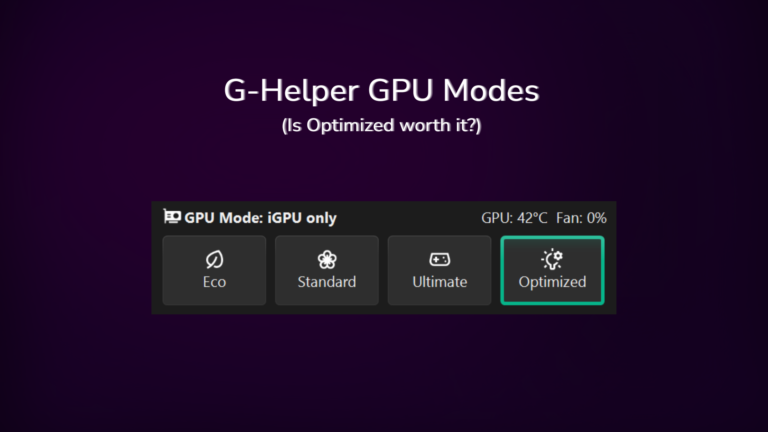
My Zephyrus G16 idles at about 13W in Standard mode with a live 4070, only 5-10W off what Eco gets me. Where the two actually separate is the spikes, and which of the 4 modes routes your display through which chip.
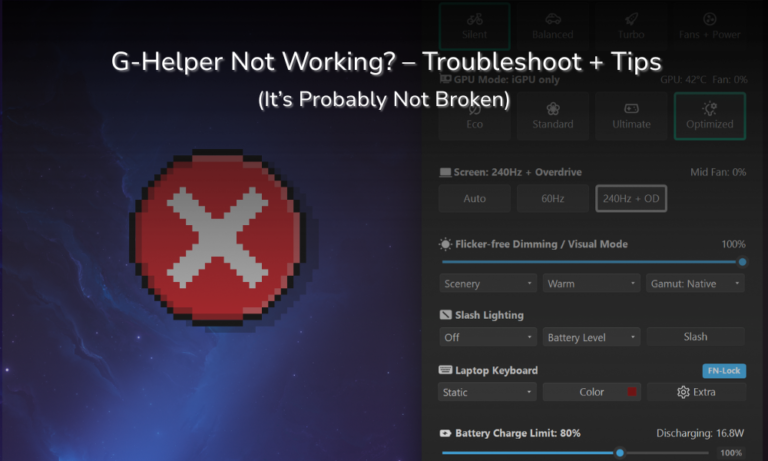
G-Helper not opening, not starting on boot, and not showing your GPU temp are the 3 complaints that fill the search results, and on my Zephyrus G16 all 3 turned out to be normal behavior rather than a broken app.

If you’re asking is G-Helper safe, the short answer is yes, and I’ve been running it daily for about four months on my ASUS Zephyrus G16 without a single problem caused by the app itself. The things that do go wrong tend to be Windows rather than G-Helper, which I went through separately in G-Helper…

When I first downloaded G-helper, my main goal was a simple and easy way to switch between battery modes of my ASUS laptop, but as I dug deeper into the weeds of its options, some things ended up confusing me. One was definitely seeing the G-helper CPU Boost settings and the variety of options, which…

Stock ASUS laptop fan curves are tuned for safety, not for what most people actually want. Your laptop’s fans could be seriously aggressive while you’re browsing or dead weak at moments with the most heat. This article is going to go over how to use G-Helper’s fan curves to optimize your laptop, getting you the…

Your laptop’s stock software gives a fraction of the control that G-Helper does, with the added bloat as well, and I broke down that whole tradeoff in my G-Helper vs Armoury Crate comparison. G-Helper, a free minimal application, makes it feel crazy that this much control can come from a few clicks. But with this…

Here is a step-by-step guide to undervolting with G-helper. Undervolting is the act of giving your CPU less energy than it’s programmed to get. If you’re wondering how to get the most out of your laptop’s battery life, undervolting is definitely something to consider, and it’s 1 of the 6 settings in the G-Helper battery…

Here I’ll take you through how to install G-Helper and get it set up properly on your laptop. G-helper is a simple and effective open-source tool made by a developer named Seerge, allowing for technical control at the click of a button. After making the switch myself, I’ve found it miles better than Armoury Crate…

ASUS’s Armoury Crate is undeniably a useful tool to tweak and personalize how you use your laptop, but it’s heavy. Unfiltered bloat and undeserved RAM usage have led people to search for a “lighter” alternative. This was my own thought process as well before I tried it out, and now I can say that G-Helper…