

ASUS GPU Tweak for Laptops: Does It Do Anything? (2026)
I tested ASUS GPU Tweak III on my G16’s RTX 4070: OC Mode set a 0 MHz offset, every mode landed within noise, and Armoury Crate Turbo did about 19% more.
GPU modes, clock offsets, undervolting and overlays: what each one changes in games and on battery.
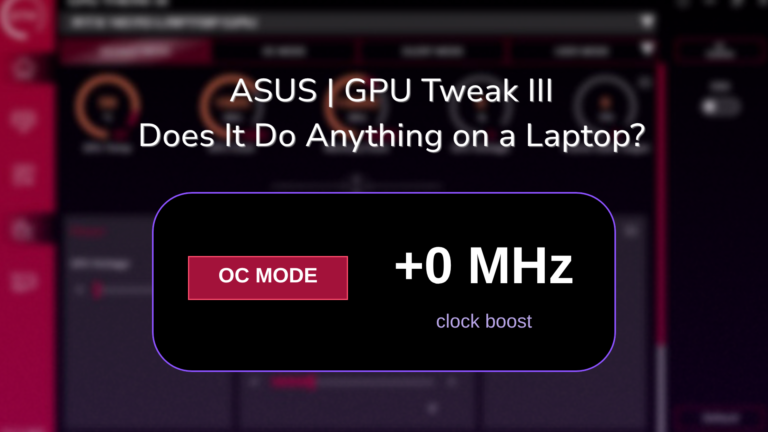
I tested ASUS GPU Tweak III on my G16’s RTX 4070: OC Mode set a 0 MHz offset, every mode landed within noise, and Armoury Crate Turbo did about 19% more.

Every Armoury Crate GPU mode tested on my G16. Ultimate won in Cyberpunk but never let my fans stop, and 1 mode drew the least power on battery.
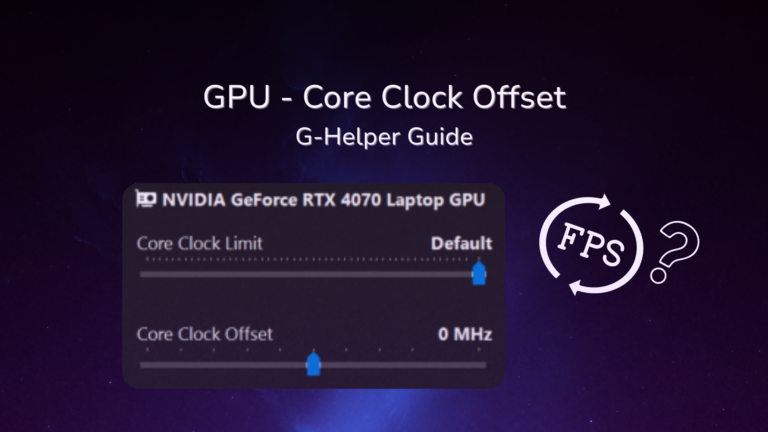
G-Helper core clock offset tested on an RTX 4070: +200 added under 1 FPS, but a 2150 MHz clock limit cut GPU power 23% for 4% fewer frames.
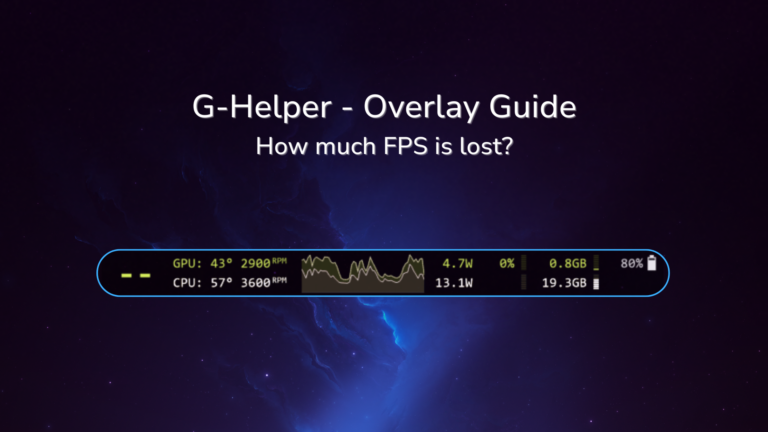
The G-Helper overlay shows FPS, temps and power in any game. All 4 modes, every shortcut, and whether it cost me FPS in Cyberpunk on my G16.
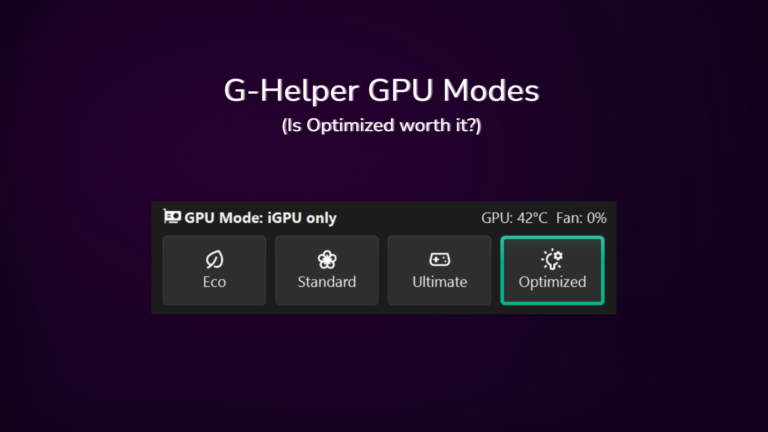
My Zephyrus G16 idles at about 13W in Standard mode with a live 4070, only 5-10W off what Eco gets me. Where the two actually separate is the spikes, and which of the 4 modes routes your display through which chip.

Here is a step-by-step guide to undervolting with G-helper. Undervolting is the act of giving your CPU less energy than it’s programmed to get. If you’re wondering how to get the most out of your laptop’s battery life, undervolting is definitely something to consider, and it’s 1 of the 6 settings in the G-Helper battery…