
Best Laptop Fan Control Software: 5 Apps Compared
I compared the best laptop fan control software I could get running on my ROG Zephyrus G16, and the most popular free app couldn’t find a single fan. FanControl read my temperatures fine. It just had nothing to control. Whichever laptop you’re on, the app that can actually move your fans is usually the one your laptop’s maker built. Below is how 5 of them stack up when you put them side by side.
After I compared 5 fan control apps on my G16, only the ones built for ASUS laptops could reach my fans. G-Helper is my pick for its curves and how light it is, Armoury Crate is fine if you’d rather not install anything, and FanControl belongs on a desktop.
- Zephyrus G16 (GA605WI)
- Ryzen AI 9 HX 370
- RTX 4070 Laptop
- Windows 11 Home 26H2
- Armoury Crate 6.7.6.0
FanControl V285 · G-Helper 0.291 · AsusFanControl v6
Before this, I had never used any fan app besides G-Helper and Armoury Crate, and the basic fan controls in both had always worked fine for me. Still, my intuition said a standalone app like FanControl must exist for a reason, and I was excited to see what extra customization it would bring compared to what my laptop already had.
The best laptop fan control software compared
The table below lines all 5 up on the things that decide whether an app is worth installing. The first column is the one to look at before anything else, because a fan app that can’t reach your laptop’s fans is just a temperature readout. That’s exactly what FanControl turned into on my G16, and if that’s the screen you’re stuck on right now, everything I tried to get it to see my fans is in its own post.
| App | Reached my laptop’s fans? | Kind of control | What it installs | Made for |
|---|---|---|---|---|
| G-Helper My pick | Yes | Modes plus your own curve per mode | 1 small app, no installer | ASUS laptops |
| Armoury Crate | Yes | Modes plus a Manual curve | ASUS’s full suite, already on the laptop | ASUS laptops |
| AsusFanControl | Partly | 1 fixed fan speed, no curve | Small app that needs system-level rights | ASUS laptops |
| FanControl | No | Full curves, mixed sensors | App plus the PawnIO kernel driver | Desktops, a few laptops by plugin |
| NoteBook FanControl | No config for mine | Curves from a per-model config | App plus a low-level driver | Older laptops with a config |
Why most fan apps can’t see laptop fans
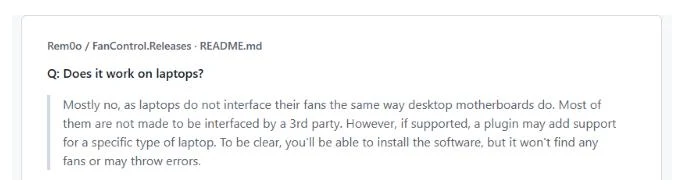
On a desktop, the fans plug into headers on the motherboard, and a handful of common sensor chips run them, which is what desktop fan apps are built to talk to. A laptop’s fans are run by a small chip called the embedded controller (EC) instead, and every laptop maker sets up its own way of talking to it, so a general app has nothing standard to plug into. FanControl’s developer says this himself in the FanControl README, where “does it work on laptops” gets a mostly-no, with plugins for only a few Dell, Lenovo, Acer and GPD models and no ASUS laptops.
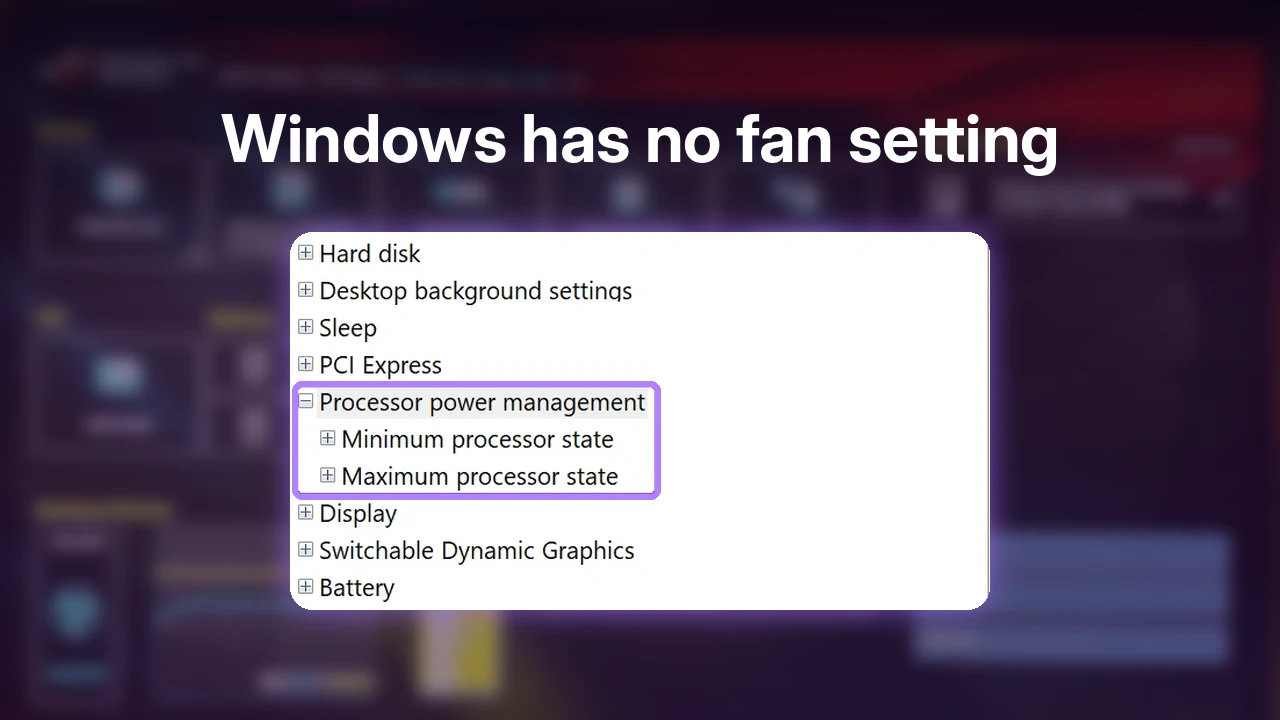
That one fact splits this whole list in two. The apps made by or for your laptop’s maker can move your fans, and the general ones mostly can’t, no matter how good they are on a desktop. It’s also why neither Windows nor my BIOS had a fan setting to offer, and I went through those along with every other place fan control can live in how to control a laptop’s fan speed.
The 2 ASUS apps that reached every fan
For anyone on an ASUS laptop, the real choice comes down to these 2, since they were the only apps on this list that controlled all of my fans. Looking only at fan control, this is how they line up.
| G-Helper | Armoury Crate | |
|---|---|---|
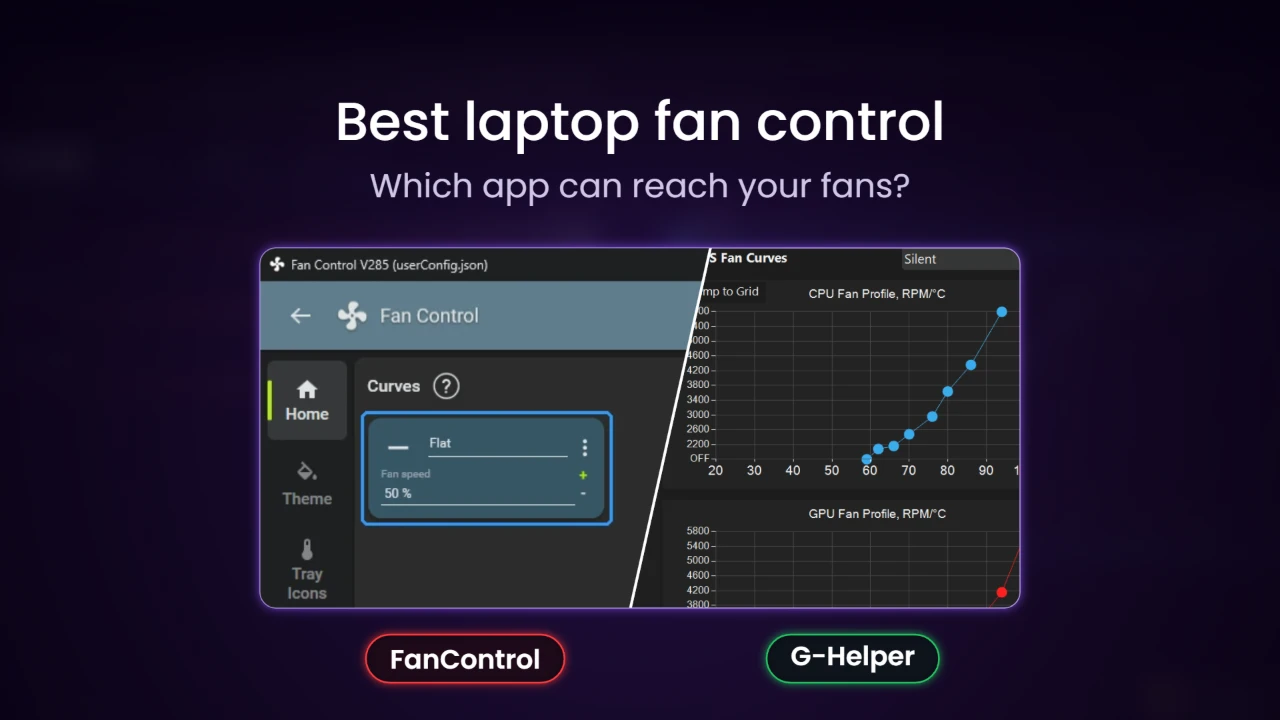
| Fan curves | A separate curve for each mode | 1 curve, inside Manual mode |
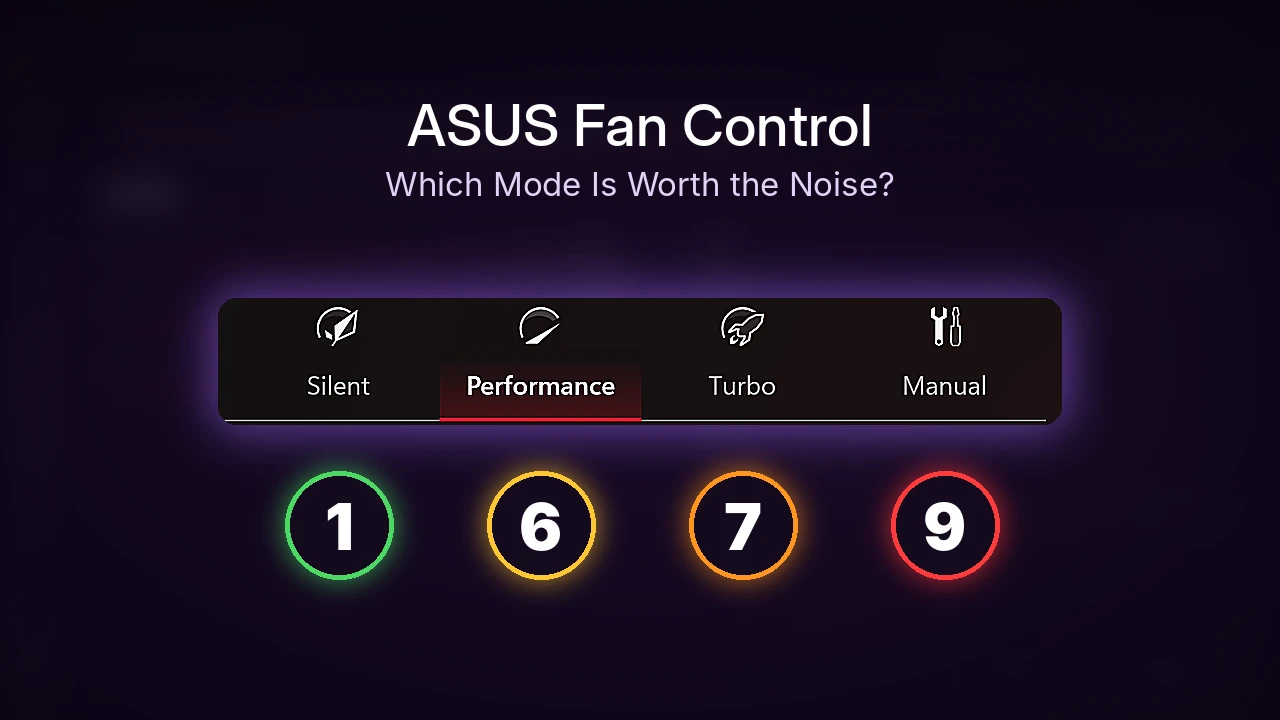
| Switching profiles | Your own named modes | Silent, Performance, Turbo or Manual |
| Comes with it | Nothing else to install | The rest of ASUS’s suite |
| Cost | Free, open source | Free, preinstalled |
Armoury Crate surprised me. I remembered it as a bit worse than it is, and going back through it, ASUS has made the customization a lot more in-depth than I expected, so someone will be fine overall using it. Out of everything I tried though, G-Helper’s simplicity and attention to detail is the thing I prefer the most, and it still has full fan curve control. I have hand-made modes for both scenarios I care about, so I just pick the one I made for it, and those are laid out in the G-Helper profiles I use.

Pick one rather than running both, since G-Helper’s fan window froze on me with Armoury Crate open, and I covered that along with everything outside fan control in G-Helper vs Armoury Crate. How each one did in an actual game is in my test of 6 ways to control fan speed on an ASUS laptop.
AsusFanControl is a fixed-speed tool
AsusFanControl only pins your fans to a single percentage, with no curve and no modes, compared to the 2 above. That makes it the narrowest tool here, useful when you want the fans locked at one speed for a while and nothing else, and it only partly managed even that on my G16. If you do try it, turn its test mode off when you’re done so the fans go back to your laptop’s control:
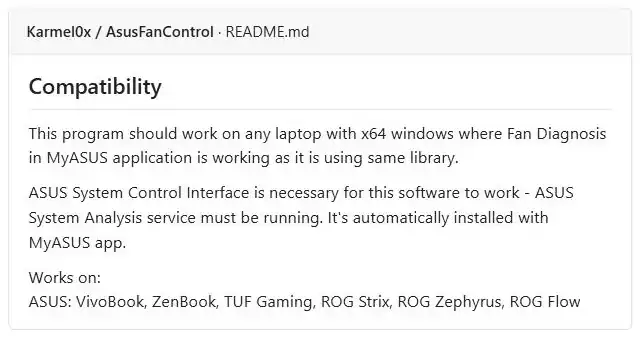
AsusFanControl.exe --set-fan-speeds=0It also leans on ASUS’s own software to work at all. In the compatibility section of its README, it needs the ASUS System Analysis service that comes with MyASUS, so if you’ve removed MyASUS, you’ll want to know that before you download it. If you’re still deciding whether MyASUS is worth keeping, I checked what it actually runs in the background on my G16.
Does FanControl work on laptops?
Not on mine. Compared to everything else here, FanControl has the most powerful controls, with curves you can build from any mix of temperatures, but they need fans to control, and it couldn’t find any of mine. It was also the only app I installed that asked me to install a separate kernel driver (PawnIO). I was let down, though not really surprised once I saw that it’s designed around desktop PCs.
The driver it asks for is covered in whether FanControl is safe, and removing FanControl and PawnIO covers getting it off again.
NoteBook FanControl depends on your model
NoteBook FanControl (NBFC) is the general app that was actually built for laptops, and that’s its big difference from FanControl. It only works if someone wrote a config file for your exact model, though. The NBFC Revive configs on GitHub have nothing for the Zephyrus G16, the newest ROG ones are for the G751, G752 and GL702, its last release was in October 2021, and the installer isn’t signed. With no config for my laptop, I didn’t install a low-level driver for an app that had nothing to control, but if your model is on that list it’s worth a look.

Which one should you pick?
- ASUS, and you want it simple: leave Armoury Crate on Performance and switch to Silent when you need quiet. The other settings worth changing are in the 5 Armoury Crate settings that actually mattered.
- ASUS, and you want real control: G-Helper, with a curve for each mode (the 3 curves I run are a good place to start).
- ASUS, and you just want the fans pinned for a while: AsusFanControl.
- Older laptop with an NBFC config: NoteBook FanControl.
- Desktop: FanControl.
If your laptop isn’t an ASUS
I honestly would tell you to use your brand’s own app, since I’m not sure if devices like HP or Lenovo have G-Helper equivalents, and FanControl doesn’t seem to work on laptops from what I found. On gaming laptops that’s usually HP’s Omen Gaming Hub, Lenovo Vantage, MSI Center or Alienware Command Center. I only had my ASUS to test on, so treat those as where to look rather than results.
If you’re on a desktop
Desktops flip this whole comparison, since the fans plug into the motherboard where FanControl can actually reach them. I haven’t tested it on a desktop yet, and seeing it stall on my laptop made me want to, so the results will go right here once I do.
FAQ
Is there free laptop fan control software?
Yes, every piece of laptop fan control software in this comparison is free. What separates them is whether they can reach your laptop’s fans, and on my G16 only the ASUS-specific ones could.
Can HWMonitor or HWiNFO control laptop fans?
No. Both only read sensors like temperatures and fan speeds, which people on this ElevenForum thread point out to someone looking for a laptop fan app.
If you’re on an ASUS and your fans are still loud whichever app you use, a safe CPU undervolt in G-Helper cuts down the heat they’re fighting in the first place. If you’re on an HP, Lenovo or MSI and found an app that actually let you set your own fan curve, drop your laptop model and the app in the comments and I’ll look into adding it to the comparison.