
Make Windows 11 Look Like Windows XP: My 20-Minute Build
Make Windows 11 look like Windows XP with 4 free Windhawk mods and 2 Windows settings. See the exact values I used and which parts still can’t be done.
The Windhawk mods I keep running on Windows 11, and what they cost me in FPS and battery.
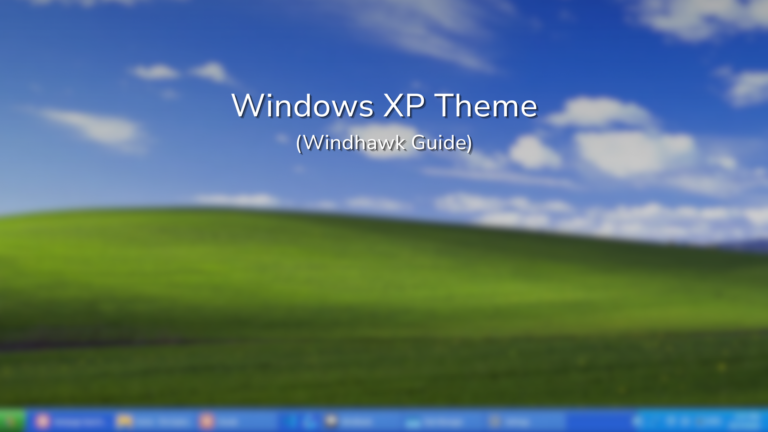
Make Windows 11 look like Windows XP with 4 free Windhawk mods and 2 Windows settings. See the exact values I used and which parts still can’t be done.
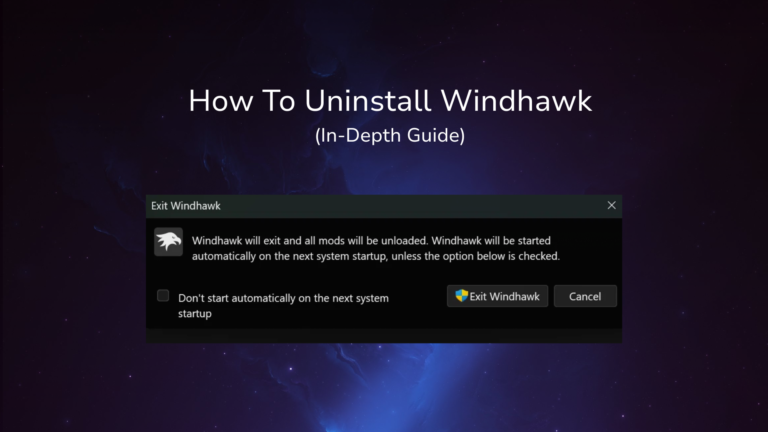
Uninstall Windhawk the default way and 67.5 MB plus every mod stays on your PC. See what the settings checkbox removes and how to clear the rest.
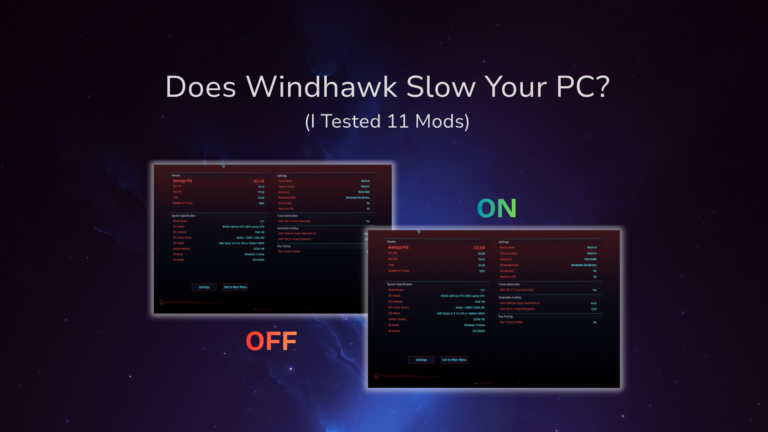
Does Windhawk affect performance? I benchmarked Cyberpunk 2077, battery watts and RAM with 11 mods running on my Zephyrus G16. Here’s what it actually costs.
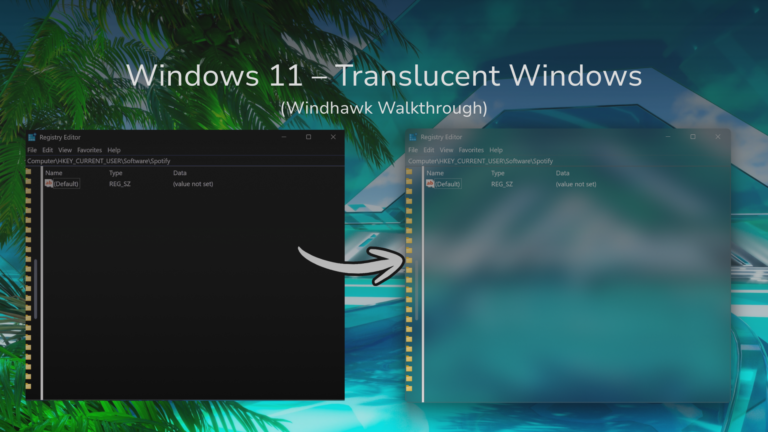
Windhawk Translucent Windows tested on my G16: which apps actually go glass, the best settings, and why Energy saver quietly breaks it on laptops.
This is how I turned my Windows 11 laptop into a Frutiger Aero theme. The whole Frutiger Aero Windows 11 build took me about 20-30 minutes, using 3 free Windhawk mods and one wallpaper. The taskbar ended up on the OS26 Liquid Glass (Clear Taskbar) theme in Taskbar Styler, File Explorer on OS26 Liquid Glass…
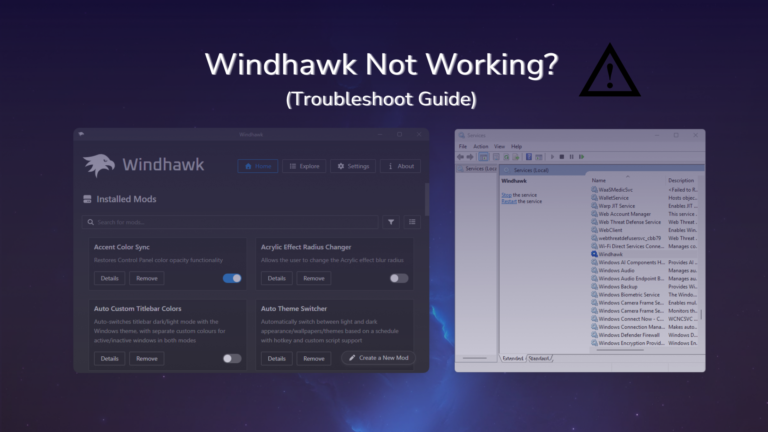
Windhawk not working is almost never Windhawk itself being broken. Nearly every case I’ve seen comes down to one of a few things: an antivirus stopping the engine from loading into your programs, a Windows update landing before Microsoft publishes the debug symbols a mod needs, or 2 mods fighting over the same part of…
Three free mods get you a floating, centered glass dock with icons that magnify under your cursor. That’s the macOS feel, and it takes about 20 minutes. You don’t pay for anything, and nothing gets downloaded from outside Windhawk. I’m running this on my ASUS ROG Zephyrus G16, and Windhawk is free and open source,…
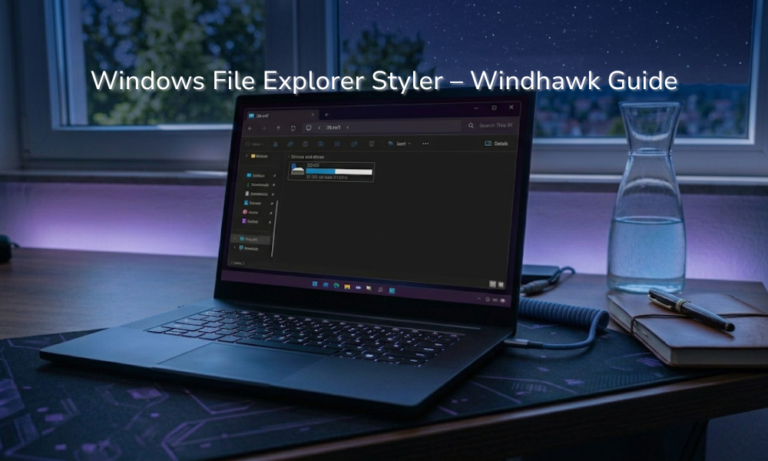
Your transparent File Explorer theme turning flat gray the second you click another window isn’t the mod breaking. That’s Windows, and it does the same thing to every app using that material, so there’s nothing to fix. The Windows 11 File Explorer Styler is a free mod that changes how File Explorer looks by letting…
The Windows 11 Start Menu Styler is a Windhawk mod that swaps the look of your Start menu using themes other people have already built. Each theme gets shown to you in the description, letting you pick one from a drop-down. That’s the whole thing. You don’t edit any config files and you don’t restart….
So you’re sitting there about to install Windhawk, and something about a program that reaches into Windows and changes how it behaves is making you pause. That’s fair, and it’s the right instinct to have. The short version is that Windhawk is safe, but “is Windhawk safe” is one of those questions where the one-word…
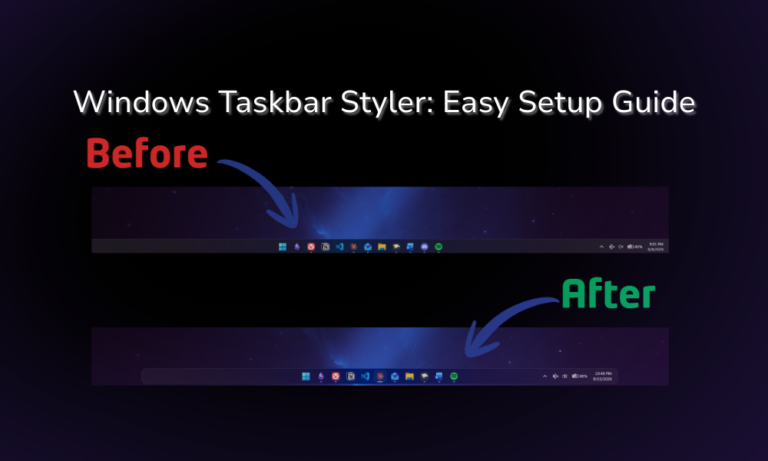
Out of the 9 Windhawk mods I still have running, the Windows 11 Taskbar Styler is easily the one doing the most work. It’s the first thing I’d install on a fresh laptop, and it’s the reason my desktop doesn’t look like every other Windows 11 machine out there. Now it’s also the mod I…
If you’re only going to install 3, the first Windhawk mods to install are Taskbar Styler, Start Menu Styler and Taskbar Dock Animation. They change the 2 parts of Windows 11 you look at all day, and they’re the best Windhawk mods for the least setup. I’ve installed 15 mods total, 9 are still running…