Skip to content
TechonRamen Logo

TechonRamen

  • ASUS
  • G-Helper
  • Windhawk
  • About Me
TechonRamen Logo
TechonRamen
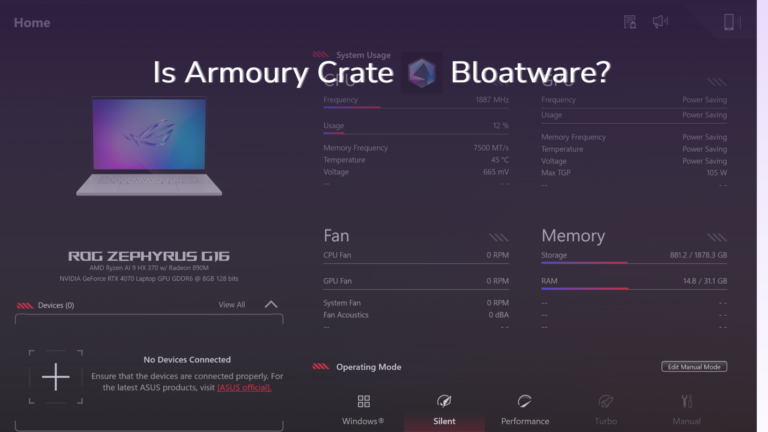
  • Armoury Crate bloatware test showing 114 MB across 11 background processes on a ROG Zephyrus G16
    ASUS

    Is Armoury Crate Bloatware? I Measured It Instead of Guessing

    ByTim September 22, 2026October 7, 2026

    I reinstalled Armoury Crate on my G16 after 7 months and counted every process it starts. 26 ASUS processes, 11 of them actually Armoury Crate, 114 MB idle. Here’s what that means and whether you should remove it.
    Read More Is Armoury Crate Bloatware? I Measured It Instead of GuessingContinue

  • Oled laptop showing possible screen burn in.
    ASUS

    ASUS OLED Care Settings: What Each One Actually Does

    ByTim September 19, 2026October 4, 2026

    The ASUS OLED Care settings are 4 toggles, and 3 of them are Windows features with ASUS branding on top. Here’s what each one does and what survives uninstalling Armoury Crate.

    Read More ASUS OLED Care Settings: What Each One Actually DoesContinue

  • G-Helper Power Limits: What the 3 Sliders are, thumbnail
    G-Helper

    G-Helper Power Limits: What the 3 Sliders Actually Do

    ByTim September 18, 2026October 6, 2026

    There’s 3 sliders in G-Helper’s Fans + Power section with no explanation attached. Here’s what each one caps, who they actually matter for, and what I’ve got mine set to on my G16.

    Read More G-Helper Power Limits: What the 3 Sliders Actually DoContinue

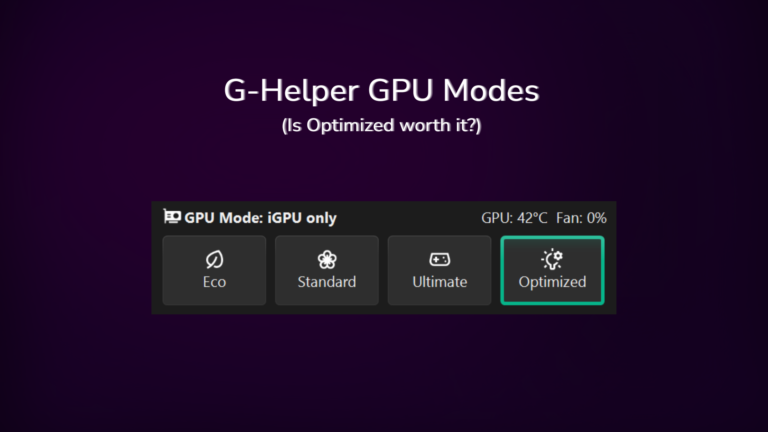
  • G-Helper GPU mode thumbnail showing optimized option selected on an ASUS Zephyrus G16 with 13W idle result
    G-Helper

    G-Helper GPU Mode: Eco, Standard, Ultimate and Optimized Explained

    ByTim September 16, 2026October 3, 2026

    My Zephyrus G16 idles at about 13W in Standard mode with a live 4070, only 5-10W off what Eco gets me. Where the two actually separate is the spikes, and which of the 4 modes routes your display through which chip.

    Read More G-Helper GPU Mode: Eco, Standard, Ultimate and Optimized ExplainedContinue

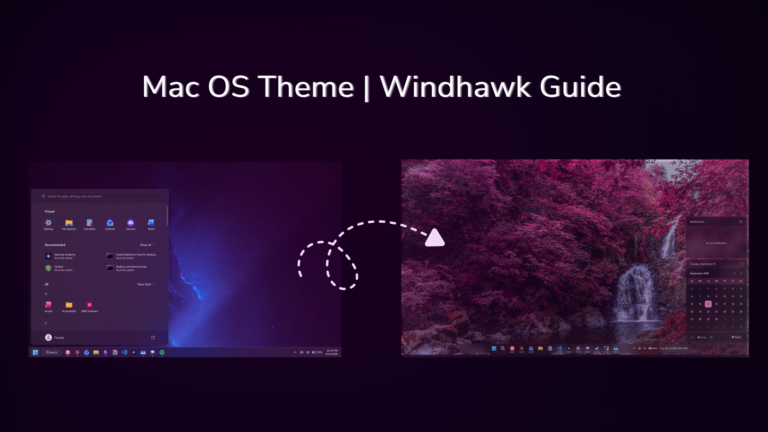
  • Before and after comparison showing how to make Windows 11 look like macOS with Windhawk
    Windhawk

    Make Windows 11 Look Like macOS With Only Windhawk

    ByTim September 16, 2026October 8, 2026

    Three free mods get you a floating, centered glass dock with icons that magnify under your cursor. That’s the macOS feel, and it takes about 20 minutes. You don’t pay for anything, and nothing gets downloaded from outside Windhawk. I’m running this on my ASUS ROG Zephyrus G16, and Windhawk is free and open source,…

    Read More Make Windows 11 Look Like macOS With Only WindhawkContinue

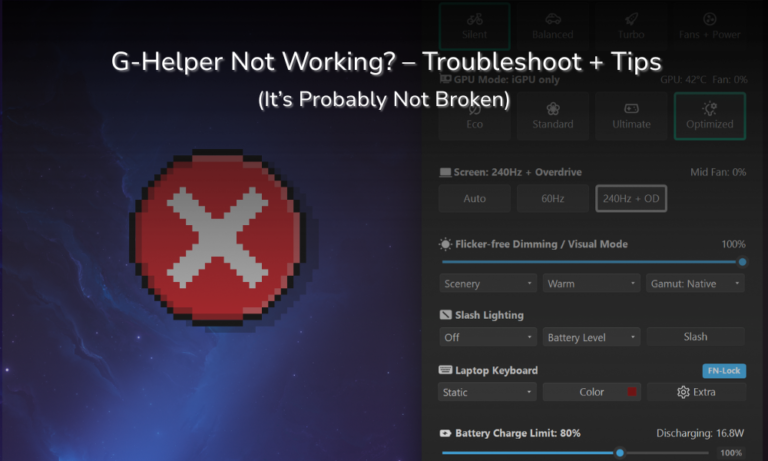
  • G-Helper main window with GPU mode and battery settings, captioned it's probably not broken when G-Helper is not opening
    G-Helper

    G-Helper Not Working? 3 Easy Fixes That Actually Work (2026)

    ByTim September 14, 2026October 4, 2026

    G-Helper not opening, not starting on boot, and not showing your GPU temp are the 3 complaints that fill the search results, and on my Zephyrus G16 all 3 turned out to be normal behavior rather than a broken app.

    Read More G-Helper Not Working? 3 Easy Fixes That Actually Work (2026)Continue

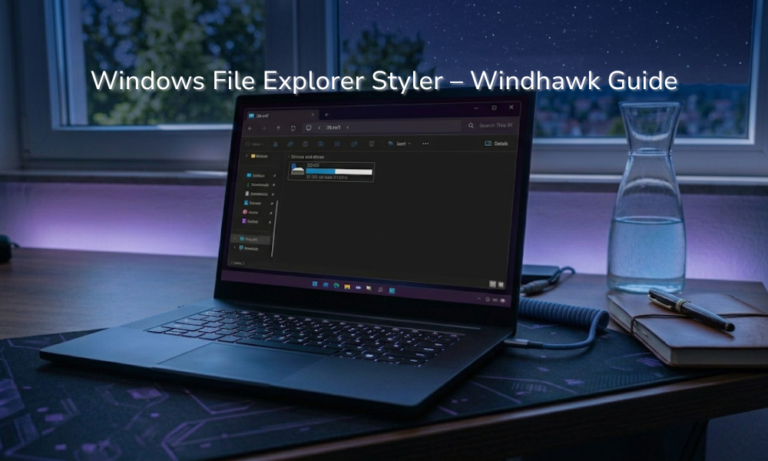
  • Laptop screen showing File Explorer with the Matter theme, one of the Windows 11 File Explorer Styler themes
    Windhawk

    Windows 11 File Explorer Styler: The Gray Window Isn’t a Bug

    ByTim September 13, 2026October 6, 2026

    Your transparent File Explorer theme turning flat gray the second you click another window isn’t the mod breaking. That’s Windows, and it does the same thing to every app using that material, so there’s nothing to fix. The Windows 11 File Explorer Styler is a free mod that changes how File Explorer looks by letting…

    Read More Windows 11 File Explorer Styler: The Gray Window Isn’t a BugContinue

  • Laptop screen showing one of the Windows 11 Start Menu Styler themes with a translucent Start menu open
    Windhawk

    Windows 11 Start Menu Styler: The Only Theme I Kept

    ByTim September 13, 2026October 6, 2026

    The Windows 11 Start Menu Styler is a Windhawk mod that swaps the look of your Start menu using themes other people have already built. Each theme gets shown to you in the description, letting you pick one from a drop-down. That’s the whole thing. You don’t edit any config files and you don’t restart….

    Read More Windows 11 Start Menu Styler: The Only Theme I KeptContinue

  • Is Windhawk safe - thumbnail asking whether Windhawk is safe to use on Windows 11
    Windhawk

    Is Windhawk Safe? What It Actually Does to Your PC

    ByTim September 12, 2026October 6, 2026

    So you’re sitting there about to install Windhawk, and something about a program that reaches into Windows and changes how it behaves is making you pause. That’s fair, and it’s the right instinct to have. The short version is that Windhawk is safe, but “is Windhawk safe” is one of those questions where the one-word…

    Read More Is Windhawk Safe? What It Actually Does to Your PCContinue

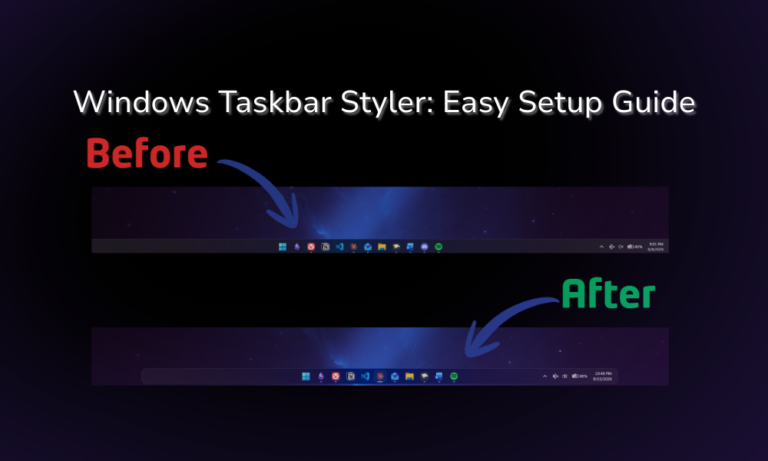
  • Windows 11 Taskbar Styler setup guide showing a customized taskbar
    Windhawk

    Windows 11 Taskbar Styler: Full Setup Guide

    ByTim September 11, 2026October 4, 2026

    Out of the 9 Windhawk mods I still have running, the Windows 11 Taskbar Styler is easily the one doing the most work. It’s the first thing I’d install on a fresh laptop, and it’s the reason my desktop doesn’t look like every other Windows 11 machine out there. Now it’s also the mod I…

    Read More Windows 11 Taskbar Styler: Full Setup GuideContinue

  • 9 best Windhawk mods enabled in the Windhawk mod list on Windows 11
    Windhawk

    Best Windhawk Mods: The 9 I Actually Keep Enabled

    ByTim September 10, 2026October 8, 2026

    If you’re only going to install 3, the first Windhawk mods to install are Taskbar Styler, Start Menu Styler and Taskbar Dock Animation. They change the 2 parts of Windows 11 you look at all day, and they’re the best Windhawk mods for the least setup. I’ve installed 15 mods total, 9 are still running…

    Read More Best Windhawk Mods: The 9 I Actually Keep EnabledContinue

  • Is G-Helper safe - G-Helper running on an ASUS ROG Zephyrus G16 laptop
    G-Helper

    Is G-Helper Safe? What It Actually Does to Your Laptop

    ByTim September 9, 2026October 4, 2026

    If you’re asking is G-Helper safe, the short answer is yes, and I’ve been running it daily for about four months on my ASUS Zephyrus G16 without a single problem caused by the app itself. The things that do go wrong tend to be Windows rather than G-Helper, which I went through separately in G-Helper…

    Read More Is G-Helper Safe? What It Actually Does to Your LaptopContinue

Page navigation

Previous PagePrevious 1 2 3 Next PageNext
  • G-Helper Guides
  • Windhawk Guides
  • ASUS Guides
  • About Me

© 2026 TechonRamen · Software is the upgrade · How I Test · Contact · Affiliate Disclosure · Privacy Policy

  • ASUS
  • G-Helper
  • Windhawk
  • About Me
Search